AMD’s supported-operating-system list for Vivado Design Suite 2025.1 names Windows 10 and 11 and a set of Linux distributions. macOS is not on it. Altium Designer’s own system requirements page lists Windows 11 64-bit as both the minimum and the recommendation, with no macOS or Linux entry, and puts its recommended memory at eight times its stated minimum. Neither fact shows up on a laptop spec sheet, and between them they narrow this decision before any benchmark does.
The advice every engineering student hears — buy something powerful, you’ll need it for CAD — is aimed at a different degree. Electrical and computer engineering coursework is largely 2D: circuit schematics, PCB layout, signal analysis. It doesn’t lean on a GPU the way 3D modeling does. It leans on memory instead, and on which toolchain your program actually installs. Memory and toolchain do the sorting across seven laptops matched to different EE tracks in 2026.
A different engineering track changes the specifics — our chemical engineering laptop guide covers the process-simulation-heavy needs of that discipline instead.
Editor’s Pick
Last update on 2026-09-20 / Affiliate links / Images from Amazon Product Advertising API
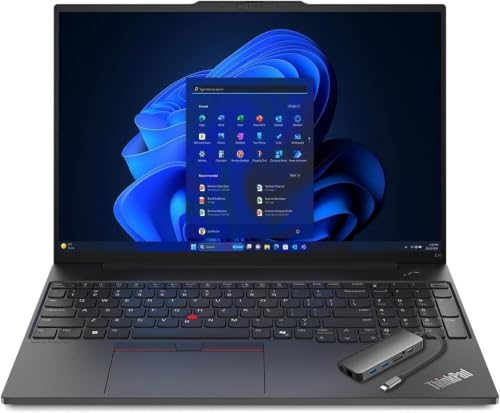
Two DDR5 SODIMM slots to 64GB, so if your FPGA coursework turns out to want 32GB, that’s memory you add later rather than a configuration you have to guess at now.
- AMD Ryzen 7 7735HS
- 16GB DDR5, two slots to 64GB
- MIL-STD-810H tested
- Windows 11 Pro
What’s Inside
- 1 – Best Laptops for Electrical Engineering Students Buyer's Guide
- 2 – Electrical Engineering Laptop Comparison Table
- 3 – Best Laptops for Electrical Engineering Students: In-Depth Reviews
- 3.1 – 1. Lenovo ThinkPad E16 Gen 2 (Best Overall)
- 3.2 – 2. Dell 14 Laptop (Best Budget)
- 3.3 – 3. Gigabyte Aero X16 (Best for FPGA and Embedded Work)
- 3.4 – 4. LG gram 15 (Best Ultraportable)
- 3.5 – 5. LG gram Pro 17 (Best Large-Screen)
- 3.6 – 6. Apple MacBook Air 13-inch (Best for macOS)
- 3.7 – 7. Lenovo Legion Pro 7i Gen 10 (Best for Heavy Simulation)
- 4 – Recommended Accessories
- 5 – Which Electrical Engineering Laptop Should You Buy?
- 6 – Electrical Engineering Laptop FAQ
- 7 – Final Thoughts on Electrical Engineering Laptops
Best Laptops for Electrical Engineering Students Buyer’s Guide
Operating System and Toolchain
Check your department’s software list before you check a spec sheet, because the OS question is decided for you in some tracks and open in others. AMD’s Vivado documentation lists Windows and Linux builds only. Intel’s Quartus Prime release notes list Windows and Red Hat, SUSE and Ubuntu Linux, with no macOS entry either. Altium Designer is Windows-only by Altium’s own documentation, which also states that running it in a virtual machine or emulator is unsupported.
Circuit simulation is where macOS holds up: Analog Devices ships a current macOS build of LTspice alongside the Windows ones. So a Mac is workable for a track built on simulation, programming and documentation, and a poor fit for one built on FPGA work or Altium.
Processor
Unlike mechanical, civil, or aeronautical engineering, most electrical engineering coursework is 2D-centric — circuit design, signal analysis, and programming — so an intimidatingly powerful chip is not the starting point. A current-generation Intel Core Ultra 5/7 or AMD Ryzen 5/7 will run a schematic editor, a SPICE simulation and a code editor at the same time without you noticing the chip.
Extra cores do their work in one specific place: FPGA synthesis and place-and-route, which both parallelize across cores, and running more than one simulation at once. Neither is the whole of a degree, and heavier programming coursework shifts the calculation — our software development laptop guide covers that side in more depth.
Memory (RAM)
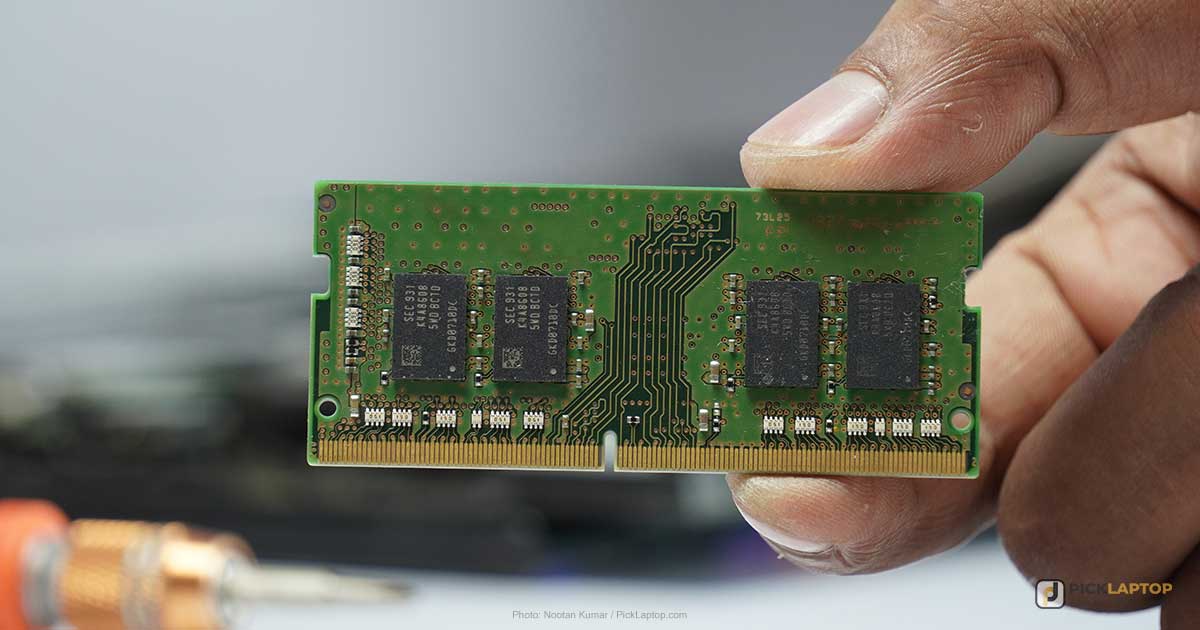
FPGA tool memory demand tracks the chip you are targeting, not the tool’s name. Intel publishes per-device memory recommendations for Quartus Prime, and the spread across the table is enormous: 512MB for MAX V, MAX 10 and the smaller Cyclone IV and Cyclone 10 LP parts, rising to 48GB for the largest Arria 10 devices. The boards used in undergraduate digital design labs sit at the small end of that range. The figure that matters for a student laptop is therefore the whole desktop — the toolchain, a browser full of datasheets, and Windows itself — rather than synthesis alone.
In practice that puts 16GB at the floor and makes 32GB the sensible answer if you already know a capstone or research project will target a larger device. Altium’s recommended figure is 32GB against a 4GB minimum, which is the same shape of gap: the minimum starts the program, the recommendation is what the work runs on. Where 32GB is worth buying up front is on a machine with soldered memory. Where the memory is socketed, 16GB now and an upgrade later costs less and gives you the same ceiling.
Storage
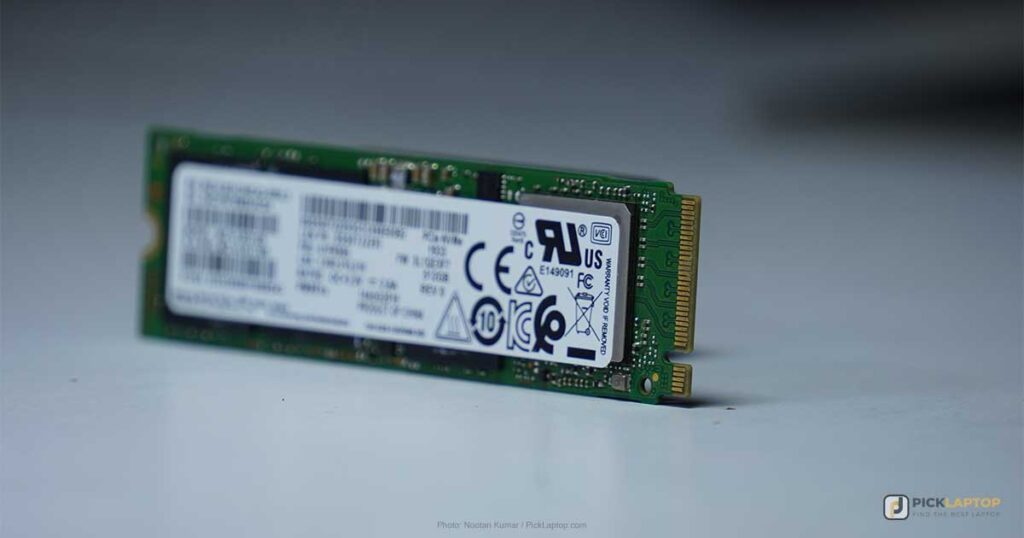
A PCIe SSD is the baseline now, and capacity is the specification to prioritize. 512GB is a livable floor for coursework and project files. FPGA toolchains are the reason to go past it: a Vivado or Quartus installation with device support packages selected runs to tens of gigabytes before you have written a line of HDL, and it is rarely one installation.
Graphics Card (GPU)
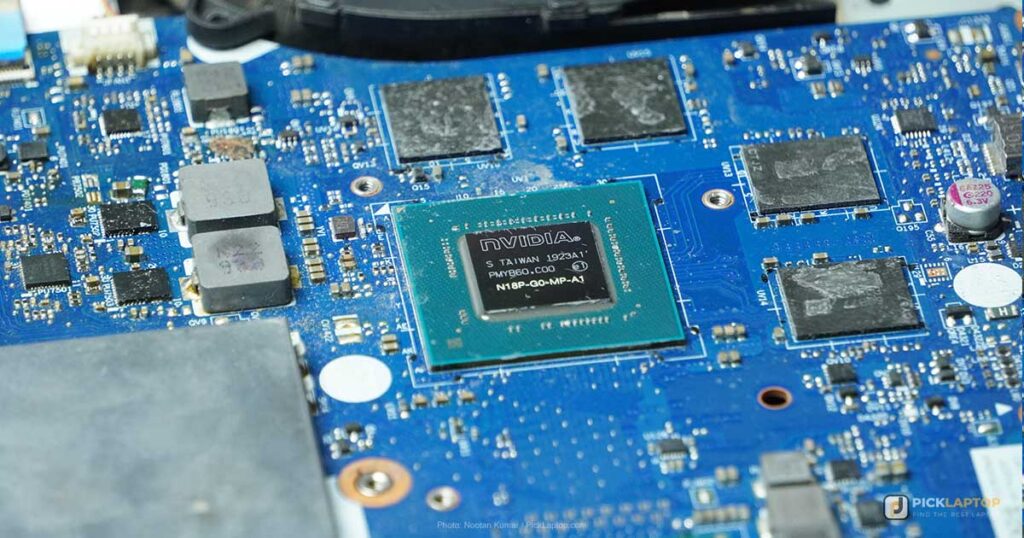
A dedicated GPU is optional for most electrical engineering coursework, and buying one as insurance usually spends money that memory or storage would put to better use. Schematic capture, PCB layout, SPICE simulation and FPGA synthesis all run on integrated graphics. Three tracks change that answer: electromagnetic field simulation (ANSYS HFSS, Maxwell), machine learning coursework, and MATLAB and Simulink work heavy enough to use GPU acceleration — see our MATLAB laptop guide if that describes your track. Outside those, skipping the discrete GPU buys back battery life and cuts heat.
Laptop Size and Screen
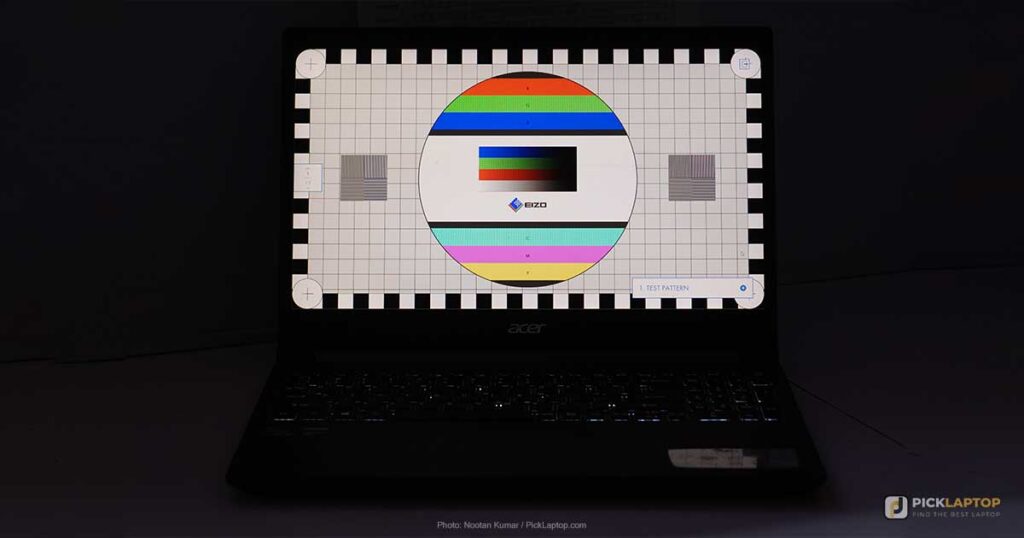
Around 14 to 16 inches is the practical range — enough width to keep a schematic and a waveform viewer side by side, without becoming a burden to carry to lectures and labs daily.
Panel technology is a weaker signal than the numbers behind it. IPS describes viewing-angle behavior; it says nothing about how bright a given screen is, which is why two IPS panels in the same chassis can be rated 300 nits and 400 nits. The specifications to check are measured brightness and whether the finish is matte or glossy. For schematic work under fluorescent lighting, those two decide legibility long before resolution does.
Keyboard
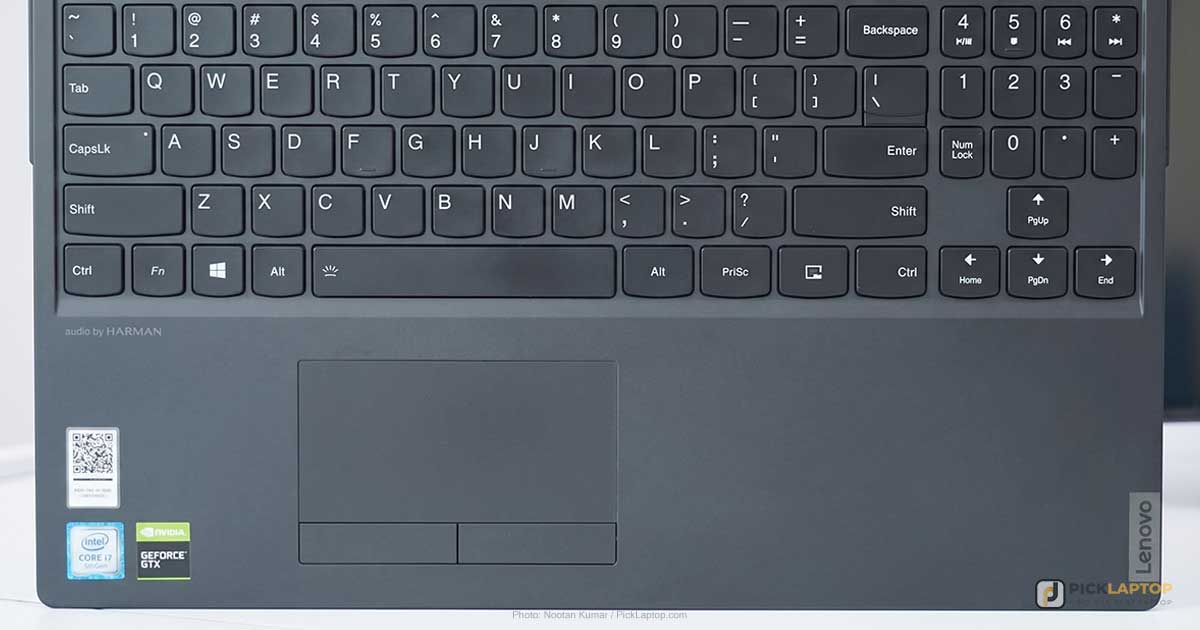
This part of the spec sheet never shows up in a benchmark, and you’ll spend more hours in it than in any simulator. A number pad speeds up entering component values and test-bench parameters; backlighting matters for the 11pm lab session. Test-type on anything you’re seriously considering if a store near you stocks it.
Portability
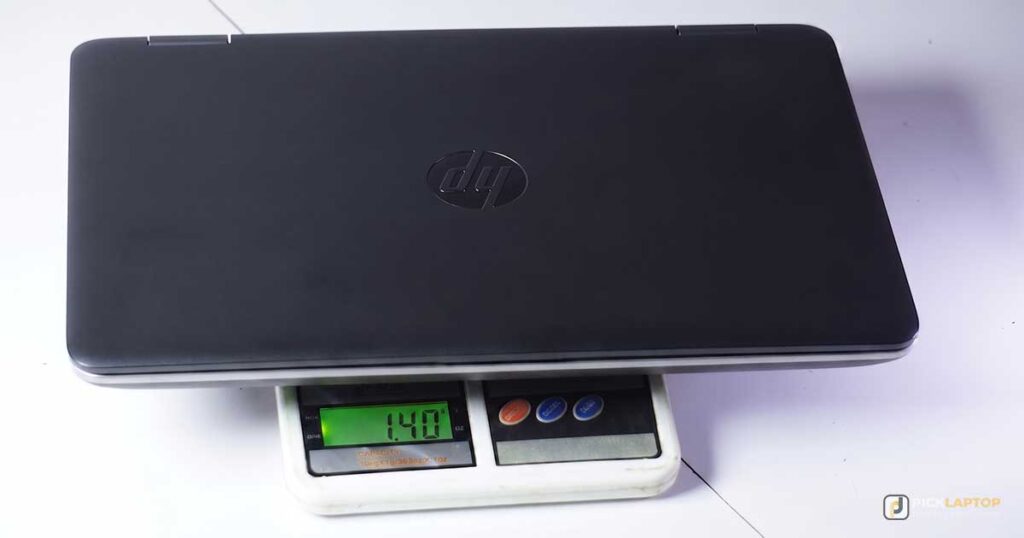
Under about 4 lbs is the difference between a laptop you take to a 9am lecture and one you leave in your room. Weight matters less once you’re a working engineer at a fixed desk; as a student carrying it across campus five days a week alongside textbooks and a lab kit, it adds up.
Battery Backup
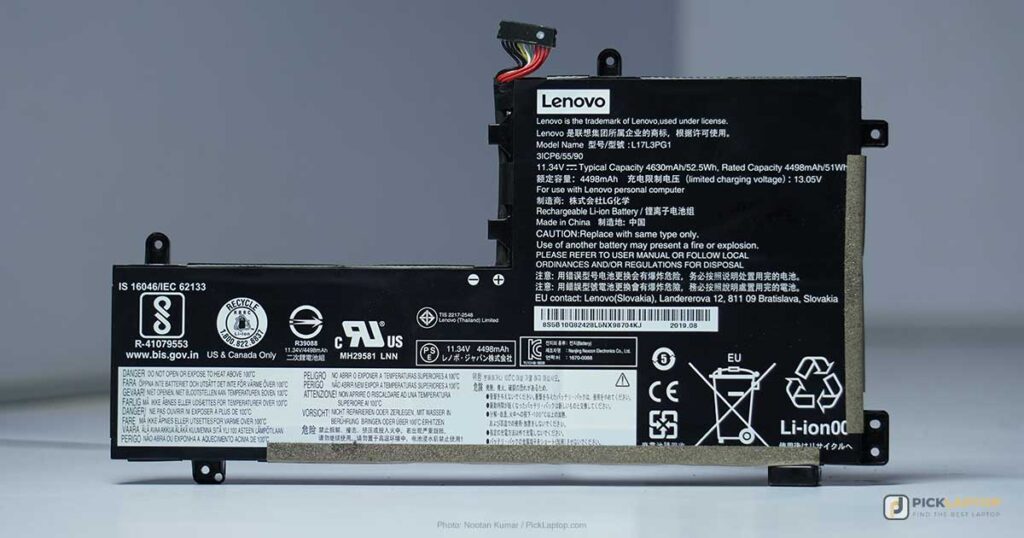
Manufacturer battery ratings and measured runtimes are different numbers, and on the picks below the gap runs to hours — Tom’s Hardware’s browsing-and-streaming result for the MacBook Air came in well under Apple’s 18-hour figure, and it was still the longest measured runtime of any laptop here. Treat a rating as a comparison between models from the same manufacturer rather than as a figure you will see. Skipping a discrete GPU helps more than any battery-capacity number, because the GPU is drawing power on the days you aren’t using it too.
Durability
MIL-STD-810H is a family of test methods rather than a single pass mark, so the useful question is which methods a manufacturer ran. LG names seven methods for the gram line and lists them; Lenovo cites the standard for the ThinkPad E16 without enumerating them. Neither is dishonest, but the first tells you what was tested and the second doesn’t, and that difference is worth looking for on a spec page. Thermal design matters for a second reason here: a long synthesis run is a sustained load, and a chassis that throttles hard under it stretches the compile you are waiting on.
Electrical Engineering Laptop Comparison Table





Last update on 2026-09-20 / Affiliate links / Images from Amazon Product Advertising API
Best Laptops for Electrical Engineering Students: In-Depth Reviews
1. Lenovo ThinkPad E16 Gen 2 (Best Overall)
Best Overall
Last update on 2026-09-20 / Affiliate links / Images from Amazon Product Advertising API
- ProcessorAMD Ryzen 7 7735HS (8-core)
- GPUAMD Radeon 680M (integrated)
- RAM16GB DDR5 (two slots, up to 64GB)
- Storage512GB PCIe SSD
- Display16-inch WUXGA IPS
- OSWindows 11 Pro
Lenovo’s spec sheet for the AMD E16 Gen 2 lists two DDR5 SODIMM slots supporting up to 64GB, plus two PCIe Gen 4 M.2 slots. That is the reason this one sits first for a four-year degree: you can start at 16GB, find out in third year whether your FPGA project needs more, and add it then. Both LG grams and the MacBook Air below ship memory you cannot change after checkout.
The same spec sheet covers the parts of a ThinkPad that don’t benchmark — MIL-STD-810H testing, a spill-resistant keyboard, 1.5mm of key travel across the main rows. Ryzen 7 7735HS with Radeon 680M graphics is enough silicon for schematic capture, SPICE simulation and synthesis runs against the device families in an undergraduate lab, and it is the wrong machine for HFSS field solving.
Check which panel a listing ships. Lenovo’s spec sheet documents a 300-nit 45% NTSC WUXGA screen and a 400-nit 100% sRGB WUXGA screen under the same product name, and both are IPS. The entry panel is dim near a window. Independent lab coverage of this Ryzen configuration specifically is thin — the published reviews of the E16 Gen 2 test Intel Core Ultra units — so the specification sheet is what the claims above rest on.
Pros
- Two SODIMM slots to 64GB — memory you add yourself
- Two PCIe Gen 4 M.2 slots for a second drive
- MIL-STD-810H tested, spill-resistant keyboard
Cons
- Entry panel is 300 nits and 45% NTSC — check the listing
- Integrated graphics only, so not the pick for HFSS or Maxwell
- Little independent testing of the Ryzen 7 7735HS configuration
2. Dell 14 Laptop (Best Budget)
Best Budget
Last update on 2026-09-12 / Affiliate links / Images from Amazon Product Advertising API
- ProcessorIntel Core 7 150U
- GPUIntel integrated
- RAM16GB DDR5
- Storage1TB SSD
- Display14-inch WUXGA IPS, anti-glare
- OSWindows 11 Home
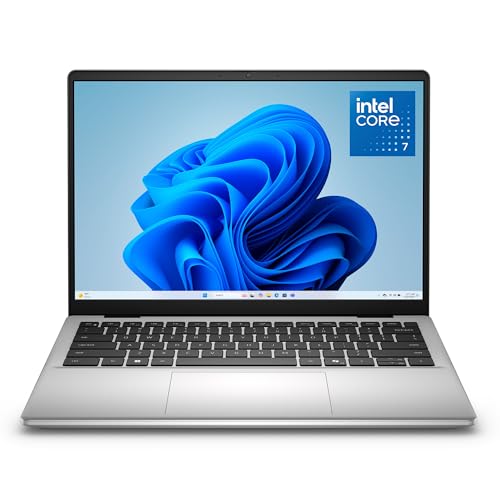
The first-year problem is that you have to buy a laptop before you know which EE track you’ll end up in. The Dell 14 answers it at the entry tier: a Core 7 150U, 16GB of DDR5, and a 1TB SSD, which is the specification that matters most here — a full Vivado or Quartus install plus device support packages is the kind of thing that fills a 512GB drive shared with everything else.
Anti-glare is the other quietly useful choice: a matte 14-inch panel is legible on a lab bench under overhead lighting in a way a glossy one isn’t. ZippyLaptop’s hands-on review of the DC14250 with the Core 7 150U scores the battery 2.5 out of 5 and describes the 54Wh cell as par for the course, adding that “this isn’t your all-day-away-from-an-outlet machine.” Plan the charger into a lab day.
The chassis is consumer-grade, with no MIL-STD testing behind it, and the memory is not the E16’s socketed DDR5. Buy this one knowing 16GB is what it stays at.
Pros
- 1TB SSD at the entry tier — room for full FPGA toolchain installs
- Anti-glare 14-inch panel for bench and classroom lighting
- Core 7 150U and 16GB DDR5 without paying for a GPU
Cons
- ZippyLaptop rated the 54Wh battery 2.5/5
- Consumer-grade chassis, no MIL-STD testing
- Integrated graphics only
3. Gigabyte Aero X16 (Best for FPGA and Embedded Work)
Best for FPGA/Embedded Work

Last update on 2026-09-20 / Affiliate links / Images from Amazon Product Advertising API
- ProcessorAMD Ryzen AI 9 HX 370
- GPUNVIDIA RTX 5070 (8GB)
- RAM32GB DDR5
- Storage1TB SSD
- Display16-inch WQXGA, 165Hz
- OSWindows 11 Home (Copilot+ PC)
32GB is the reason to look at this one, and it matters for a specific kind of student: the one whose capstone targets a larger FPGA than the lab boards, or who is stacking machine learning coursework on top of digital design. Both of those are situations where the memory recommendation moves off 16GB, and the Aero X16 arrives there without a configuration decision.
The RTX 5070 comes along with it rather than being the reason to buy it: 8GB of VRAM helps GPU-accelerated ML coursework and does nothing for schematic capture.
Two findings from Tom’s Hardware’s review of the Aero X16 — tested with the Ryzen AI 7 350 rather than this HX 370 configuration, but the chassis, panel and speakers are shared — cut against the creator-laptop framing Gigabyte uses. The 16-inch panel measured 369 nits and 78.5% DCI-P3, and the review’s verdict is that the lack of full DCI-P3 coverage hurts a laptop sold on its creative credentials; for reading schematics and waveforms it is a perfectly legible screen, just not a color-accurate one. Audio it describes as muddy with minimal bass and volume “barely adequate.” On the other side, the Aero led its comparison group on battery at 9 hours 13 minutes.
Pros
- 32GB DDR5 without configuring up
- RTX 5070 available for ML coursework
- 9:13 in Tom’s Hardware’s battery test, ahead of its comparison group
Cons
- 78.5% DCI-P3 coverage — not a color-accurate panel
- Tom’s Hardware called the speakers muddy and barely loud enough
- Costs more than the budget and overall picks above
4. LG gram 15 (Best Ultraportable)
Best Ultraportable
Last update on 2026-09-20 / Affiliate links / Images from Amazon Product Advertising API
- ProcessorAMD Ryzen AI 7 450
- GPUAMD Radeon (integrated)
- RAM16GB (32GB configs available)
- Storage512GB SSD
- Display15.6-inch FHD IPS touch
- Battery28 hours (manufacturer rating)
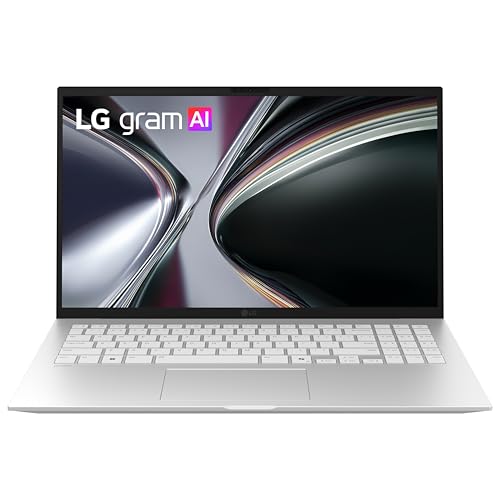
A 15.6-inch screen at under 3 lbs is the trade the gram line exists to make, and for a student it decides something concrete: whether the laptop comes to every lecture or lives on a desk. LG’s own gram 15 documentation puts the chassis at 1,290g — roughly 2.8 lbs — with an anti-glare 300-nit FHD IPS panel and dual Gen 4 M.2 slots, and states the laptop passed seven MIL-STD-810H methods including temperature, salt fog, dust, vibration and shock. An ultralight chassis that has been through those is not the usual combination.
The memory is LPDDR5X and soldered, so the 16GB-or-32GB choice is made at checkout and never again. On the guidance above, that argues for 32GB if there is any chance of FPGA coursework, and 16GB is fine if your track is simulation and programming.
The battery figure is LG’s rating rather than a measured runtime, and no independent lab test of this configuration turned up. Integrated Radeon graphics rule out the HFSS and ML tracks outright.
Pros
- Around 2.8 lbs for a 15.6-inch screen
- Seven MIL-STD-810H test methods, per LG
- Anti-glare 300-nit panel and a 32GB configuration
Cons
- Soldered LPDDR5X — no memory upgrade later
- Battery figure is a manufacturer rating, not a measured result
- Integrated graphics only
5. LG gram Pro 17 (Best Large-Screen)
Best Large-Screen
Last update on 2026-09-20 / Affiliate links / Images from Amazon Product Advertising API
- ProcessorIntel Core Ultra 7 355
- GPUIntel integrated
- RAM32GB LPDDR5X
- Storage1TB NVMe SSD
- Display17-inch WQXGA touch
- Battery26.5 hours (manufacturer rating)
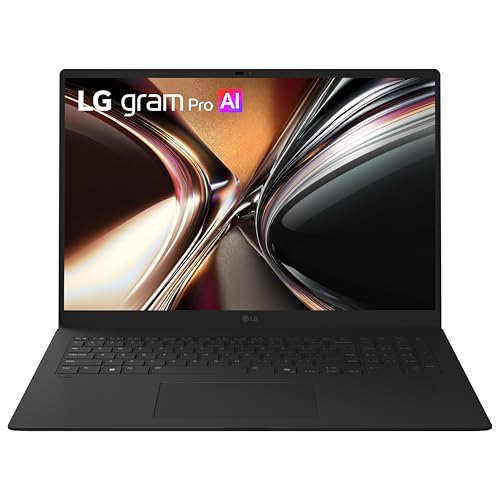
Seventeen inches is what a schematic, a code editor and a datasheet open at once want, and the usual cost of it is a laptop that stays home. At 3.02 lbs this one doesn’t, which is the whole argument for it.
32GB is standard here rather than optional, and it is soldered like the gram 15’s — but at 32GB, that matters less, because there is nowhere in an undergraduate FPGA workflow you would want to go beyond it. Two Thunderbolt 4 ports handle a desk dock when you want a second screen on top of the 17-inch one.
Published gram Pro reviews cover the 16-inch Intel models; no independent test of this 17-inch Core Ultra 7 355 configuration turned up, so its measured brightness, runtime and audio are unestablished. And the footprint is its own caveat, in a place the weight figure hides: lecture-hall fold-down desks were not designed around a 17-inch lid.
Pros
- 17-inch screen in a 3.02 lb chassis
- 32GB LPDDR5X as standard, no configuring up
- Two Thunderbolt 4 ports for a desk dock
Cons
- Measured brightness, runtime and audio unpublished for this model
- Soldered memory, fixed at purchase
- Wider than many lecture-hall desks, whatever it weighs
6. Apple MacBook Air 13-inch (Best for macOS)
Best macOS Pick

Last update on 2026-09-20 / Affiliate links / Images from Amazon Product Advertising API
- ProcessorApple M5
- GPUIntegrated
- RAM16GB unified
- Storage512GB SSD
- Display13.6-inch Liquid Retina
- BatteryUp to 18 hours (Apple rating)
Start with what this machine cannot do, because for a lot of EE students that settles it. Neither FPGA vendor ships a macOS build, and Altium has none either — the three programs most likely to appear on an EE software list are the three this laptop cannot run. Apple Silicon cannot boot Windows natively, so the fallback is a Parallels virtual machine: a Windows desktop, at a performance cost, for precisely the tools that are hardest on a machine. Altium’s documentation closes that door explicitly, listing virtual machines and emulators as unsupported.
Now the other side. LTspice has a current macOS build from Analog Devices, and a track built on circuit simulation, programming, embedded C and lab reports runs on this laptop without a compromise anywhere. It is fanless and silent, which in a shared study space is not a small thing.
Tom’s Hardware measured 15 hours 28 minutes of browsing and streaming against Apple’s 18-hour rating, and watched the fanless M5 open a Cinebench 2026 stress loop at 3,415 before settling into the low 2,300s. Bursty coursework never reaches that point. A long HDL synthesis run would — if you were running one, which on this machine you are not.
Pros
- 15:28 measured by Tom’s Hardware on a browsing and streaming test
- Fanless and silent
- LTspice, programming and documentation work run natively
Cons
- Vivado, Quartus and Altium have no macOS version
- Steps down under a sustained load, per Tom’s Hardware
- 16GB unified memory, fixed at purchase
7. Lenovo Legion Pro 7i Gen 10 (Best for Heavy Simulation)
Best for Heavy Simulation
Last update on 2026-09-20 / Affiliate links / Images from Amazon Product Advertising API
- ProcessorIntel Core Ultra 9 275HX
- GPUNVIDIA RTX 5080 (16GB)
- RAM32GB DDR5
- Storage1TB SSD
- Display16-inch WQXGA OLED, 240Hz
- OSWindows 11 Home
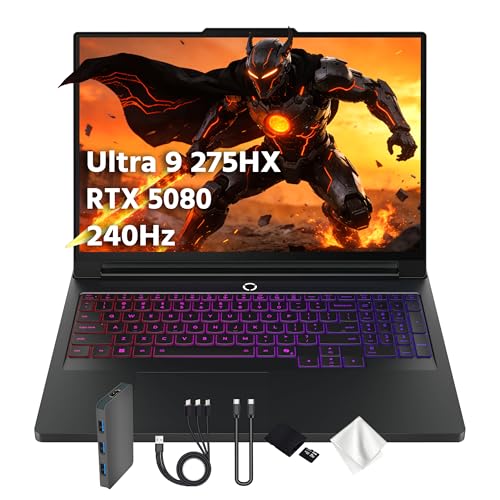
This pick makes sense for one narrow set of tracks: electromagnetic field simulation in HFSS or Maxwell, and machine learning coursework with local training, where 16GB of VRAM is the specification doing the work and the rest of the machine follows it. Outside that set, the 16GB of VRAM has nothing to do.
Tom’s Hardware tested this exact configuration — Core Ultra 9 275HX, RTX 5080 at 175W, 32GB, the 240Hz OLED — and two results matter for someone using it as a working machine rather than a gaming one. Fan noise it calls impressively unobtrusive, quiet enough that in-game audio stayed audible at 30% volume, which is a good sign for sitting next to it through a long solve. Battery came in at 4 hours 37 minutes, last in its comparison group, and the review notes that this is with the largest battery capacity available in a laptop at 99Wh.
Read those two together and you get the shape of the thing: a desktop that folds, with power management the review is openly unimpressed by. If your simulation work happens on a lab machine or a department cluster, buy one of the lighter picks and use the cluster.
Pros
- RTX 5080 with 16GB VRAM for HFSS or local ML training
- Fan noise Tom’s Hardware called impressively unobtrusive
- 32GB DDR5 and a 24-core Ultra 9 275HX
Cons
- 4:37 battery in Tom’s Hardware’s test, last in its group despite a 99Wh cell
- Far more machine than schematic and programming coursework needs
- Heavy, and priced well above every other pick here
Recommended Accessories


Last update on 2026-09-20 / Affiliate links / Images from Amazon Product Advertising API
Which Electrical Engineering Laptop Should You Buy?
| Best For | Pick |
|---|---|
| Overall | Lenovo ThinkPad E16 Gen 2 |
| Budget | Dell 14 Laptop |
| FPGA/Embedded Work | Gigabyte Aero X16 |
| Ultraportable | LG gram 15 |
| Large Screen | LG gram Pro 17 |
| macOS | Apple MacBook Air 13-inch |
| Heavy Simulation | Lenovo Legion Pro 7i Gen 10 |
Electrical Engineering Laptop FAQ
How much RAM do I need as an electrical engineering student?
You can measure this rather than guess it. Vivado and Quartus both write peak memory usage into the synthesis and implementation logs, so one run of a representative project on a lab machine tells you what your own designs cost. Failing that, ask which boards the labs use and look the part up in the vendor’s memory table before assuming the worst.
Can I use a 2-in-1 laptop for electrical engineering study?
Yes, and annotating a printed-out schematic with a stylus is the use case that justifies it. Two things to check before you commit: convertibles at a given price usually carry a lower-wattage U-series chip than a conventional laptop, and they almost always solder their memory — so the 16GB-versus-32GB decision becomes permanent at checkout.
What kind of software will I need as an electrical engineering student?
Circuit simulation (LTspice, PSpice, NI Multisim), programming (Python, C/C++), FPGA and embedded toolchains (Vivado, Quartus), PCB layout (Altium, KiCad), and depending on the track MATLAB and Simulink or field solvers such as ANSYS HFSS. The list your department publishes is the one that matters — get it before you buy, because it is what decides the OS question.
Is a dedicated graphics card better for electrical engineering students?
For most tracks, no — and the reason to be careful is that a discrete GPU costs you battery life and weight every day, in exchange for acceleration you might use in one module. Before paying for one, check whether your department provides cluster or lab access for the heavy solving. Many do, and running the occasional HFSS job there is cheaper than carrying a gaming laptop across campus for four years.
Is a MacBook good for electrical engineering students?
There is a one-question version of this: does your department’s software list name Vivado, Quartus or Altium? If it doesn’t, a Mac is a fine four-year machine. If it does, the workable answer is usually not a virtual machine but the department’s own lab computers, which have the tools licensed and installed already — plenty of students run a Mac for everything else and do FPGA work on a lab machine. Buying a second Windows laptop is the expensive version of the same fix.
Does a high-end processor matter for electrical engineering students?
Rarely the thing that limits you. When a build feels slow on a 16GB machine with a browser, a simulator and an IDE open, the usual culprit is memory rather than the processor — watch memory usage during a slow run before concluding you need a faster chip. A mid-range current chip with more RAM beats a high-end chip with less, at the same price.
How much storage do I need as an electrical engineering student?
512GB is workable until FPGA toolchains arrive. What catches people out is version pinning: courses and lab hardware are often tied to a particular toolchain release, and by third year you can be carrying two or three side by side, each with its own device support packages. If that describes your program, 1TB stops being optional.
Is a Chromebook a good option for electrical engineering students?
No. Vivado, Quartus, Altium and LTspice have no ChromeOS versions, and while some Chromebooks run Linux applications through a container, the FPGA vendors qualify named enterprise Linux releases rather than that environment — and USB passthrough to a programming cable is its own problem. A Chromebook can be a good second device for notes; it cannot be the one you install the toolchain on.
Final Thoughts on Electrical Engineering Laptops
Settle the toolchain first — it decides the operating system, and the operating system removes options faster than any specification comparison. After that, the question is memory: how much the machine holds, and whether you can add more later. That is what separates a laptop that lasts a degree from one you replace in second year.