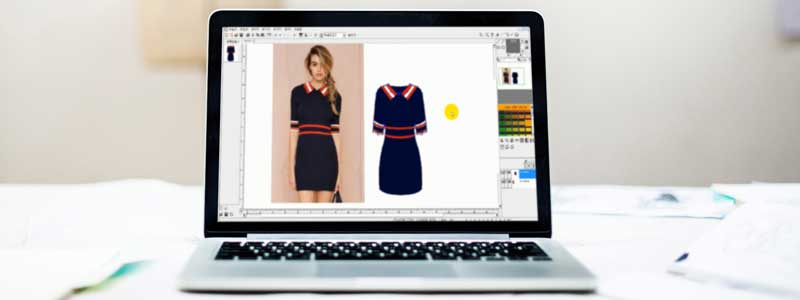
CLO’s own system requirements page lists Apple Silicon Macs as supported — M1 as the minimum, M2 through M5 as the recommendation — and puts its recommended graphics card at 12GB of VRAM. Both facts cut against the advice this category usually gives: that 3D fashion software is Windows-only, and that an entry RTX card clears the bar.
Clothing design software splits into two hardware camps, and the distance between them is wider than the distance between any two laptops here. Adobe classes GPU acceleration in Illustrator as optional. CLO and Browzwear publish graphics requirements that a mid-tier gaming laptop only partly satisfies. Here is what each vendor actually asks for, then seven laptops matched to which camp the work falls into.
Editor’s Pick


Last update on 2026-10-24 / Affiliate links / Images from Amazon Product Advertising API
Most clothing design hours go into vector and photo tools rather than garment simulation, and Adobe lists the GPU acceleration those tools use as optional — so the fanless M5 covers that side of the job on a measured 117% sRGB panel.
- Apple M5 10-core CPU
- 16GB unified memory
- 512GB SSD
- 13.6-inch Liquid Retina display
What’s Inside
- 1 – Clothing Design Laptop Buyer's Guide
- 2 – Clothing Design Laptop Comparison Table
- 3 – Best Laptops for Clothing Design in 2026 — Reviews
- 3.1 – 1. Apple MacBook Air 13-inch M5 (Best for 2D Design)
- 3.2 – 2. HP OmniBook 5 Flip (Cheapest Pick)
- 3.3 – 3. Samsung Galaxy Book6 Pro (Best Display)
- 3.4 – 4. Acer Nitro V 16 (Budget 3D Simulation Pick)
- 3.5 – 5. Gigabyte Aero X16 (Best 3D Simulation Pick)
- 3.6 – 6. Lenovo Legion Pro 7i Gen 10 (Most Powerful)
- 3.7 – 7. Apple MacBook Pro 14-inch M5 Pro or Max (Best Mac for 3D Work)
- 4 – Recommended Accessories
- 5 – Which Clothing Design Laptop Should You Buy?
- 6 – Clothing Design Laptop FAQ
- 7 – Final Thoughts on Clothing Design Laptops
Clothing Design Laptop Buyer’s Guide
Fashion and apparel work spans Adobe Illustrator and Photoshop for flats and mood boards, CorelDRAW and Optitex for vector and production pattern work, and CLO, Marvelous Designer, Browzwear’s VStitcher and Lotta, and Style3D for garment draping and virtual sampling. Those programs do not ask for the same machine, and several of them publish exactly what they do ask for.
Processor
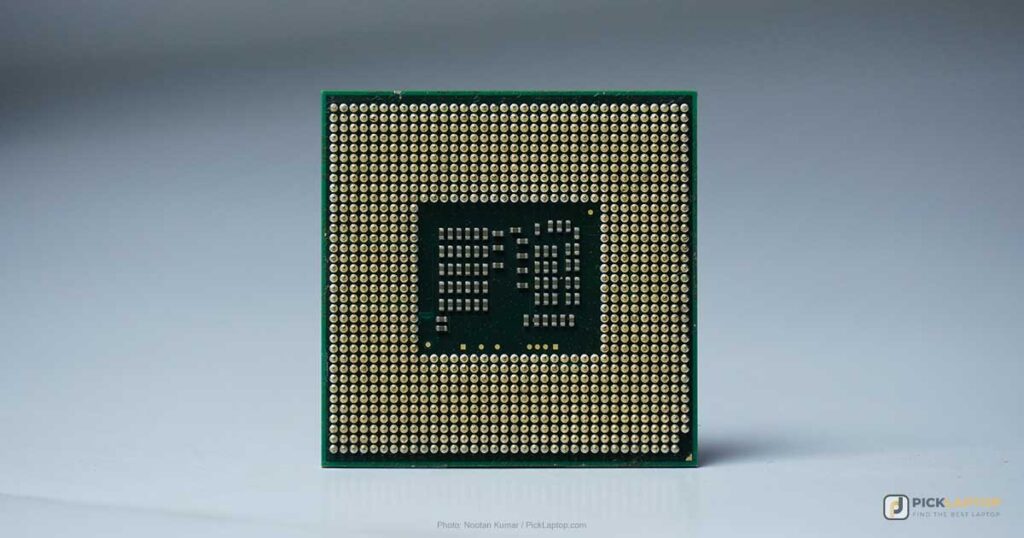
The published floors here are low and the published ceilings are high. CLO sets its Windows minimum at a Ryzen 3000-series or 8th-generation Intel chip and its recommendation at a Ryzen 9000-series or a 14th-generation Core i9; Marvelous Designer, which shares CLO’s simulation engine, publishes the same figures. Browzwear asks for a Core i7 or Ryzen 7 as its minimum and a 12th-generation-or-newer Core i7/i9 or a Ryzen 9 with 12 or more cores at 3.2GHz as its recommendation.
Cloth simulation is the part of the workload that scales with cores; drawing flats is not. A Core 5 or Ryzen 5 sits above every 2D vendor floor on this page, and the step up to a Core Ultra 7 or Ryzen 7 class chip is what puts a machine at or near the simulation vendors’ recommended tier rather than their minimum one.
Memory (RAM)
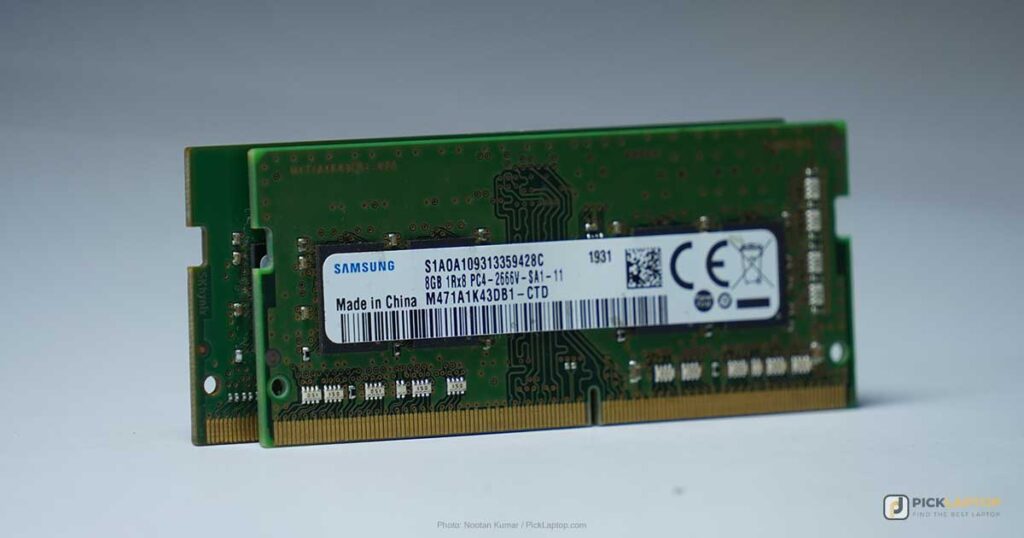
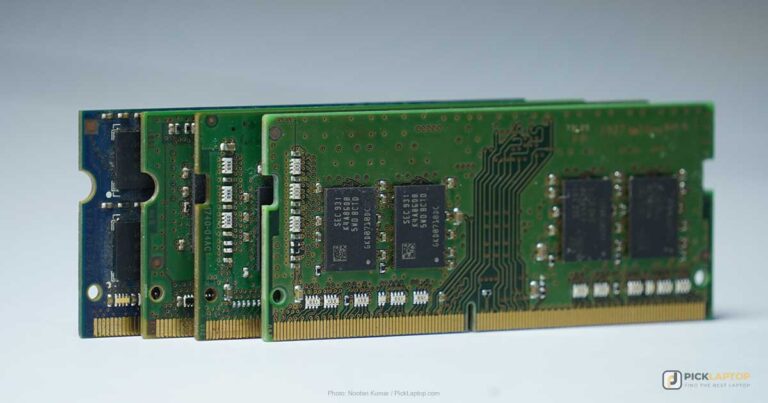
The four vendors do not agree, and the spread is the useful part. Adobe puts Illustrator at 8GB with 16GB recommended. Browzwear asks for 16GB minimum and 32GB recommended on both Windows and macOS. CLO and Marvelous Designer also start at 16GB — but their recommended figure is 64GB, not 32GB. Optitex asks 8GB for pattern and marker making and 32GB for its 3D Suite. So 16GB is a working figure for 2D and the entry point for simulation, 32GB matches what Browzwear and Optitex 3D recommend, and only CLO and Marvelous Designer push past that. Buy against the program you spend the most hours in.
Storage
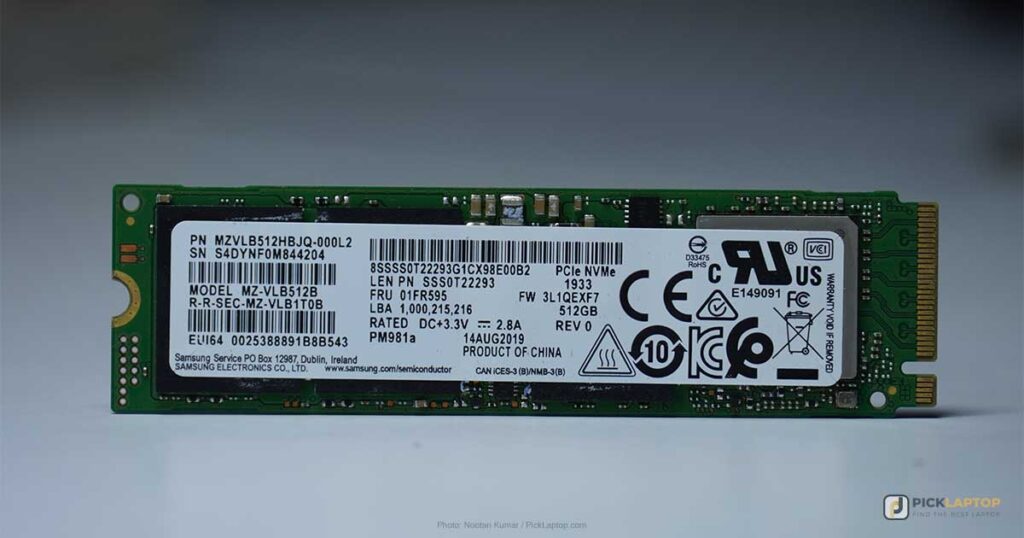
The vendor numbers are about installation, not about a working library: CLO asks for an SSD with 10GB free at minimum and 20GB at its recommended tier. What fills a drive is everything downstream — scanned fabric textures at print resolution, avatar libraries, garment versions kept for a client. As a practical rule of thumb, 512GB is workable for 2D-only work and 1TB is the safer starting point once simulation projects and texture libraries accumulate.
The 2D vs 3D Software Split
Adobe’s requirements page lists GPU acceleration in Illustrator under the heading Optional, and sets the bar for it at 1GB of VRAM. Integrated graphics on any current laptop clear that, which is why a fanless MacBook Air is a serious 2D machine and a discrete card bought for flats and mood boards does nothing the reader can point at.
On the simulation side, the number to check is VRAM, and the two engines disagree about how much. Browzwear’s Windows minimum is a GTX 1050 or RX 550 with 4GB of VRAM, and its recommendation is an RTX 3000-series card with 8GB or more. CLO and Marvelous Designer will start on any GPU supporting OpenGL 1.6, with 4GB named for basic use — but their recommended tier is an RTX 4000-series or RTX Ada/Blackwell professional card with 12GB of VRAM. An RTX 5060 or 5070 laptop card carries 8GB. That satisfies Browzwear’s recommendation and sits under CLO’s, which is the single fact that separates the three GPU picks below from each other.
Platform is the other thing worth checking before the specifications. CLO’s requirements page lists macOS Sonoma 14 as its minimum with Apple Silicon from M1 up, and Browzwear’s macOS recommendation is an M1 or newer with 32GB. Optitex runs the other way: its desktop products are documented for Windows 10 and 11 only, with no macOS build. A Mac is a working simulation platform for CLO and Browzwear and not an option for Optitex pattern work, so the answer depends on which program the studio standardized on.
Display and Color Accuracy
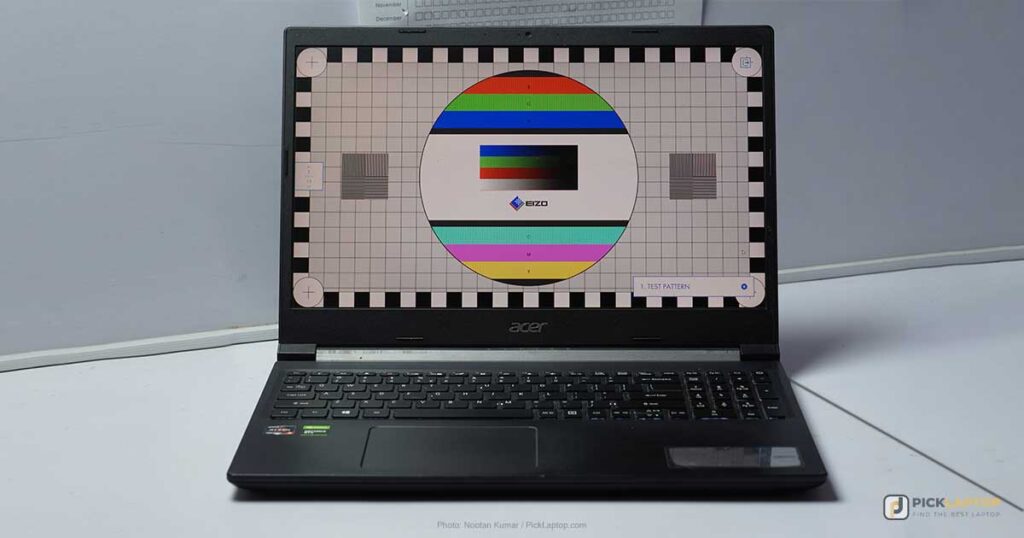
Matching an on-screen color to a dye lot is a recurring problem in this job, so the panel matters more here than in most laptop categories. The specification to read is the measured gamut figure — 99% sRGB or better for color-critical work, and a DCI-P3 or Adobe RGB number if the studio works to those.
OLED, AMOLED and mini-LED are contrast mechanisms, not accuracy ratings. They describe how black pixels are produced; they say nothing on their own about how much of a gamut a given panel covers. The picks below make that concrete: the IPS panel in the Gigabyte Aero X16 was measured at 78.5% DCI-P3, the OLED in the Lenovo Legion Pro 7i at 138.9% DCI-P3, and the IPS panel in the MacBook Air at 117.3% sRGB. The technology name predicted none of those. Look up the coverage figure for the exact panel a listing ships, because the same model number often carries more than one.
Touchscreen and Stylus Input
A touchscreen is not on any vendor’s requirements list, and the reason to want one anyway is simple: marking up a mood board or nudging a pattern line by hand is quicker with a finger or a pen than with a trackpad. Pair it with a stylus or an external drawing tablet — see the accessories below — if freehand sketching is part of the daily process rather than an occasional one.
Clothing Design Laptop Comparison Table





Last update on 2026-10-24 / Affiliate links / Images from Amazon Product Advertising API
Best Laptops for Clothing Design in 2026 — Reviews
Seven picks split across both camps: three built around 2D work on integrated graphics, three carrying discrete NVIDIA cards at three different VRAM tiers, and one Mac configured against Browzwear’s and CLO’s published Apple Silicon requirements.
1. Apple MacBook Air 13-inch M5 (Best for 2D Design)
Best for 2D Design
Last update on 2026-10-24 / Affiliate links / Images from Amazon Product Advertising API
- ProcessorApple M5 (10-core CPU)
- GPUApple M5 (integrated)
- RAM16GB unified
- Storage512GB SSD
- Display13.6-inch Liquid Retina (2560×1664)
- BatteryUp to 18 hours rated
Illustrator, Photoshop and pattern drawing sit well inside what this machine does, and the reason is on Adobe’s own requirements page rather than in a benchmark: GPU acceleration is listed as optional and asks for 1GB of VRAM. The M5’s integrated graphics are past that, and the chassis has no fan in it, so a long drawing session is silent.
The panel is the part that pays off for color work. Tom’s Hardware measured 458.8 nits, 117.3% sRGB and 83.1% DCI-P3 on the Air, and found it level with the mini-LED MacBook Pro on color volume. For judging fabric tones against a reference swatch, that is a measurement to work from rather than a panel-technology label.
The same review put the fanless design under a Cinebench 2026 stress loop and watched the chip open at 3,415 and settle in the low 2,300s. Drawing flats never runs long enough to reach that. A batch export of large files, or a garment simulation, can.
CLO and Browzwear will both install here — Apple Silicon is on both vendors’ supported lists — but 16GB is CLO’s minimum and half of Browzwear’s recommended 32GB, and the memory is fixed at purchase. Treat this as the 2D machine it is priced and configured to be.
Pros
- Silent, fanless chassis
- Up to 18 hours rated battery life
- 458.8 nits and 117.3% sRGB, measured by Tom’s Hardware
Cons
- Throttles measurably under sustained load — Tom’s Hardware watched Cinebench fall from 3,415 to the low 2,300s
- 16GB is fixed at purchase, and sits under Browzwear’s 32GB recommendation
2. HP OmniBook 5 Flip (Cheapest Pick)
Cheapest Pick

Last update on 2026-10-17 / Affiliate links / Images from Amazon Product Advertising API
- ProcessorIntel Core 5 120U (10-core)
- GPUIntel Graphics (integrated)
- RAMLPDDR5, onboard — 8GB and 16GB configurations sold
- Storage512GB PCIe Gen 4 SSD
- Display14-inch 1920×1200 IPS touchscreen, 300 nits
- BatteryUp to 15 hours rated
This is the entry tier of the list, and the 360-degree hinge is the part that matters for the work: the screen folds flat or into tent mode, so a mood board can be marked up with a pen on the panel instead of through a trackpad.
Check the panel before ordering. HP publishes this display as 300 nits at 62.5% sRGB — a long way under the 99% figure color-critical work needs. Sketching, layout and layout review are fine on it. Signing off a fabric color is not, and no calibration recovers coverage a panel does not have.
Memory is onboard rather than socketed on this chassis, so the configuration bought is the configuration kept. HP documents both 8GB and 16GB builds; 8GB matches Adobe’s stated Illustrator floor exactly, with nothing left for a browser full of reference tabs alongside it. The 16GB build is the one to look for.
HP rates the Core 5 120U configuration it documents at up to 15 hours. No independent lab measurement of this model has been published, so that figure is a manufacturer rating rather than a tested runtime.
Pros
- Entry-tier price with a 360-degree hinge and pen-capable touchscreen
- Up to 15 hours rated by HP
- 512GB PCIe Gen 4 SSD as standard
Cons
- 62.5% sRGB panel — HP’s own figure, unsuited to color sign-off
- Onboard memory, fixed at purchase
- Integrated graphics only — under Browzwear’s minimum GPU line
3. Samsung Galaxy Book6 Pro (Best Display)
Best Display
Last update on 2026-10-24 / Affiliate links / Images from Amazon Product Advertising API
- ProcessorIntel Core Ultra 7 356H
- GPUIntel Arc (integrated)
- RAM16GB or 32GB LPDDR5X, onboard
- StorageUp to 1TB SSD
- Display16-inch 2880×1800 Dynamic AMOLED 2X touchscreen, 30–120Hz
- Battery78.07Wh; up to 30 hours rated video playback
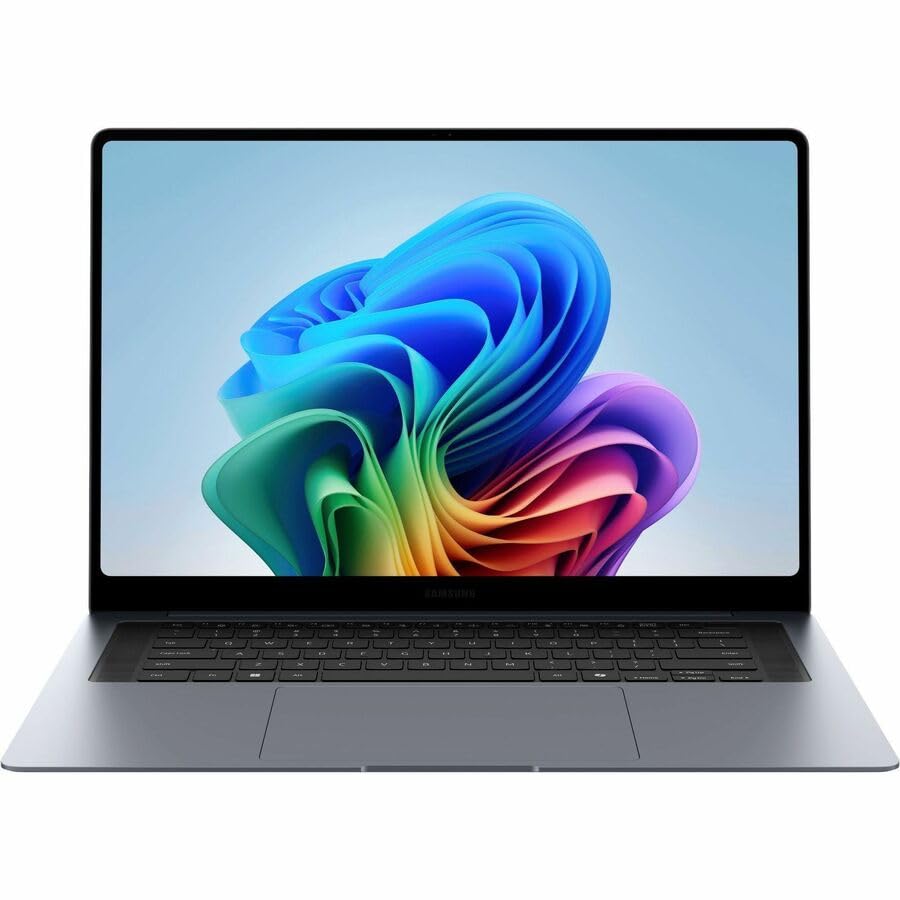
Among the picks running on integrated graphics, this is the largest and highest-resolution panel here: Samsung specifies the 16-inch model at 2880×1800, 500 nits in SDR and up to 1,000 nits in HDR, on a 78.07Wh battery. Two full-size flats and a reference photo fit side by side without scaling anything down.
Samsung publishes brightness for this panel but no gamut coverage figure, and AMOLED as a label settles the contrast question rather than the color one. For sign-off work, find a measured sRGB or DCI-P3 number for the exact configuration on order before treating it as a reference display.
The keyboard is the documented weak point. Business Standard reviewed the 14-inch Core Ultra X7 version and found the keys shallow, with less tactile feedback than expected at the price, and recorded 14 to 15 hours of continuous real-world use against Samsung’s 30-hour video-playback rating. That review covers the smaller sibling, so the keyboard finding carries across the shared design while the battery result does not transfer directly to the larger 78.07Wh chassis.
Intel Arc integrated graphics sit under Browzwear’s minimum GPU line and outside CLO’s recommended tier, so this is a 2D machine with a large screen rather than a simulation machine.
Pros
- Largest and highest-resolution panel among the integrated-graphics picks — 16-inch, 2880×1800
- Touch and pen input for annotation
- 78.07Wh battery, rated up to 30 hours of video playback
Cons
- Samsung publishes no gamut coverage figure for this panel
- Shallow key travel, per Business Standard’s review of the 14-inch model
- Integrated graphics — not a garment-simulation machine
4. Acer Nitro V 16 (Budget 3D Simulation Pick)
Budget 3D Pick
Last update on 2026-10-24 / Affiliate links / Images from Amazon Product Advertising API
- ProcessorAMD Ryzen AI 5 340
- GPUNVIDIA GeForce RTX 5060 Laptop (8GB)
- RAM16GB DDR5
- Storage512GB PCIe Gen 4 SSD
- Display16-inch WUXGA IPS, 180Hz
- ModelANV16-61-R2QY
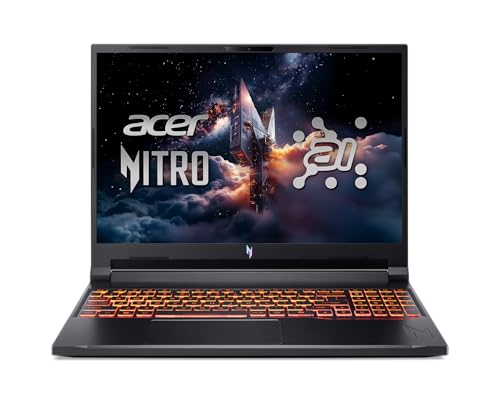
The RTX 5060’s 8GB of VRAM lands exactly on Browzwear’s recommended line — an RTX 3000-series card or better with 8GB or more — and above the 4GB CLO names for basic use, while staying under CLO’s recommended 12GB. For VStitcher and Lotta that is the recommended configuration; for CLO it is a working one that the vendor does not describe as its target.
16GB of system memory is the matching constraint: CLO’s minimum, half of Browzwear’s recommendation, and soldered nowhere but still shipped at the base figure. Simulation on a garment with several layered fabrics is where that becomes the limit rather than the GPU.
The panel is the compromise this price makes. LaptopMedia measured 301 nits and 57% sRGB coverage on the base WUXGA panel of the ANV16-61 chassis — around the same coverage as the cheapest pick on this list, on a machine bought for color-heavy rendering. Anyone judging fabric color on this one should plan on an external display.
No independent lab has published a test of this exact Ryzen AI 5 340 and RTX 5060 configuration. LaptopMedia’s measurements come from a differently specified unit in the same chassis, so the display and build observations carry over and the performance figures do not.
Pros
- 8GB of VRAM meets Browzwear’s recommended GPU specification
- Lowest-priced discrete-GPU pick on this list
- 16-inch 180Hz panel and a 512GB Gen 4 SSD as standard
Cons
- 57% sRGB measured by LaptopMedia on this chassis’ base panel — an external display is the fix
- 8GB VRAM is below CLO’s recommended 12GB
- No published independent test of this exact configuration
5. Gigabyte Aero X16 (Best 3D Simulation Pick)
Best 3D Simulation Pick

Last update on 2026-10-15 / Affiliate links / Images from Amazon Product Advertising API
- ProcessorAMD Ryzen AI 9 HX 370
- GPUNVIDIA GeForce RTX 5070 Laptop (8GB GDDR7)
- RAM32GB DDR5
- Storage1TB SSD
- Display16-inch 2560×1600 IPS, 165Hz
- Battery9h 13m measured by Tom’s Hardware
32GB and a Ryzen AI 9 HX 370 put this configuration on Browzwear’s recommended line for both memory and processor, and the RTX 5070 carries the same 8GB of VRAM as the Acer above — the memory is what separates them, not the graphics card. For a designer running VStitcher or Lotta as the main tool, this is the configuration the vendor’s own page describes.
Tom’s Hardware measured the chassis at 0.78 inches and 4.2 pounds, with 1.7mm of key travel — a 16-inch discrete-GPU machine that travels closer to a creator ultrabook than a gaming laptop. The same review recorded 9 hours 13 minutes on its browsing and streaming battery test at 150 nits, which is long for this class.
The display needs reading carefully. Gigabyte specifies 100% sRGB; Tom’s Hardware measured 369 nits and 78.5% DCI-P3 on the panel and did not publish an sRGB figure. Those describe different gamuts and neither confirms the other, so the manufacturer’s sRGB claim stands unverified and the wider P3 and Adobe RGB spaces that a print or dye workflow may reference are only partly covered.
Tom’s Hardware tested the Ryzen AI 7 350 version of this chassis rather than the HX 370 configuration listed above. The display, keyboard and dimension measurements are properties of the shared chassis; the performance and battery results are not directly transferable.
Pros
- 32GB and a Ryzen AI 9 HX 370 — Browzwear’s recommended memory and CPU tier
- 0.78 inches and 4.2 pounds with a discrete GPU, measured by Tom’s Hardware
- 9h 13m on Tom’s Hardware’s battery test
Cons
- 78.5% DCI-P3 measured — short of the wider gamuts a color-managed workflow references
- 8GB VRAM is below CLO’s recommended 12GB
6. Lenovo Legion Pro 7i Gen 10 (Most Powerful)
Most Powerful
Last update on 2026-10-24 / Affiliate links / Images from Amazon Product Advertising API
- ProcessorIntel Core Ultra 9 275HX
- GPUNVIDIA GeForce RTX 5080 Laptop (16GB GDDR7)
- RAM32GB DDR5
- Storage1TB PCIe SSD
- Display16-inch 2560×1600 OLED, 240Hz
- Battery4h 37m measured by Tom’s Hardware
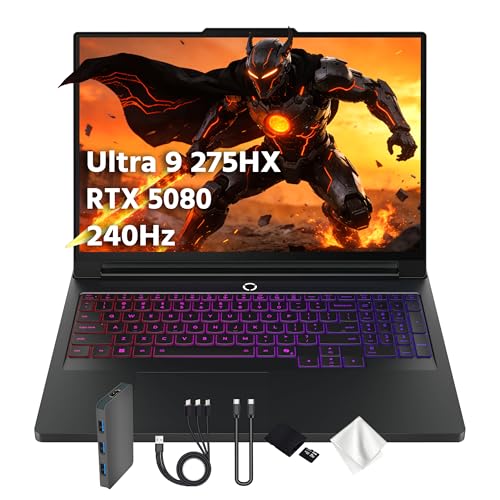
The RTX 5080’s 16GB of VRAM is the reason this pick is on the list: it is the only configuration here that reaches CLO’s recommended 12GB figure. For a studio whose main tool is CLO or Marvelous Designer rather than Browzwear, that moves the machine from working to recommended, and complex multi-layer garment simulation is where the difference shows.
The panel is measured, not assumed. Tom’s Hardware recorded 465 nits and 138.9% DCI-P3 on the 2560×1600 OLED — the widest measured coverage of any pick here, and the only one on this list with a published figure past the P3 space.
The same review describes fan noise as unobtrusive enough that in-game audio stayed audible at 30% volume, with average CPU temperatures of 71°C under a stress test; Performance mode raises both frame rates and noise. Battery is where the trade lands: 4 hours 37 minutes on Tom’s Hardware’s test, the shortest result among the machines it compared. This is a desk machine that moves between desks, not one to simulate on from a café.
Pros
- 16GB of VRAM — the only pick here meeting CLO’s recommended 12GB
- 465 nits and 138.9% DCI-P3 measured by Tom’s Hardware
- Quiet under everyday load, 71°C average CPU temperature under stress test
Cons
- 4h 37m measured battery life — the shortest here
- Bulkier chassis than the Aero X16 for the same 32GB of memory
7. Apple MacBook Pro 14-inch M5 Pro or Max (Best Mac for 3D Work)
Best Mac for 3D Work

Last update on 2026-10-24 / Affiliate links / Images from Amazon Product Advertising API
- ProcessorApple M5 Pro (15- or 18-core) or M5 Max (18-core)
- GPU16- or 20-core (M5 Pro); 32- or 40-core (M5 Max)
- RAM24GB to 128GB unified
- Storage1TB SSD
- Display14.2-inch 3024×1964 Liquid Retina XDR mini-LED
- BatteryUp to 22 hours rated (M5 Pro)
Both simulation engines list Apple Silicon on their supported platforms. CLO’s oldest supported chip is the M1, with macOS Sonoma 14 as the floor and M2 through M5 called out as its recommended tier; Browzwear pairs its own M1-or-newer floor with a 32GB memory ask. Neither treats a Mac as a downgraded path, which is what separates this pick from a 2D-only Mac.
Memory is the configuration decision. The M5 Pro starts at 24GB, which is under Browzwear’s 32GB recommendation — Apple’s next step up is 36GB, then 48GB, 64GB and 128GB, so 36GB is the first build that clears it and 64GB is the first that matches CLO’s recommended figure. Ordering the base configuration and reading the vendor pages afterwards is the expensive way round on a machine with soldered memory.
Apple specifies the Liquid Retina XDR panel at 1,000 nits sustained full-screen, 1,600 nits peak, and P3 wide color — the brightest display specification in this guide, though Apple publishes a color space rather than a measured coverage percentage.
The chip tier is worth confirming on a listing. Notebookcheck’s testing of the 40-core M5 Max in the 14-inch chassis found inconsistent results and throttling under sustained load, concluding the top chip may be more than this chassis can cool. That testing covers the M5 Max only, so it establishes nothing either way about how the M5 Pro behaves in the same body. Apple’s own rating gives the M5 Pro 22 hours of video streaming against the M5 Max’s 20.
Pros
- CLO and Browzwear both list Apple Silicon as supported — no NVIDIA card required
- 1,000 nits sustained, 1,600 nits peak, P3 wide color per Apple
- Up to 22 hours rated on the M5 Pro
Cons
- Notebookcheck found throttling and inconsistent sustained performance on the 40-core M5 Max in this chassis
- 24GB base configuration is under Browzwear’s 32GB recommendation, and memory is soldered
- Optitex publishes no macOS desktop build, so pattern work on that platform stays on Windows
Recommended Accessories



Last update on 2026-10-24 / Affiliate links / Images from Amazon Product Advertising API
Which Clothing Design Laptop Should You Buy?
| Best For | Pick |
|---|---|
| 2D Design | Apple MacBook Air 13-inch M5 |
| Cheapest | HP OmniBook 5 Flip |
| Best Display | Samsung Galaxy Book6 Pro |
| Budget 3D Simulation | Acer Nitro V 16 |
| Best 3D Simulation | Gigabyte Aero X16 |
| Most Powerful | Lenovo Legion Pro 7i Gen 10 |
| Best Mac for 3D Work | Apple MacBook Pro 14-inch |
Clothing Design Laptop FAQ
Do I need a dedicated GPU for clothing design?
For 2D work in Illustrator, no — Adobe rates that as optional. For garment simulation, the number that matters is VRAM rather than the card’s tier: Browzwear’s recommended line is an 8GB card and CLO’s is 12GB. Of the discrete-GPU picks in this guide, the Acer and the Gigabyte both carry 8GB cards that clear Browzwear’s line but sit under CLO’s; only the Lenovo Legion Pro 7i’s 16GB RTX 5080 reaches CLO’s recommended tier. A shopper running mostly CLO should check that 12GB figure specifically rather than assume any current RTX card is enough.
Can a MacBook run CLO or Browzwear?
Yes, and unusually for this category, neither treats Apple Silicon as a fallback platform. Where it gets specific is memory: the M5 Pro’s 24GB base configuration falls short of Browzwear’s recommended figure, and Apple’s memory tiers mean the build that finally matches CLO’s number costs two upgrade steps more than the one that satisfies Browzwear. Optitex breaks the pattern — its desktop software has no macOS build at all — so a workflow anchored on Optitex pattern making keeps a Windows machine in the mix no matter which simulation engine runs alongside it.
I have an Intel Mac. Is it still an option?
Not for long on the CLO side. CLO’s requirements page states that Intel Macs stop being supported from macOS 27, due in autumn 2026. An Intel Mac still running current CLO today is on a countdown rather than a platform, which is worth factoring into a replacement timeline rather than discovering at an update.
How much RAM do I actually need?
It depends which program is open the longest, because the vendors disagree. Adobe recommends 16GB for Illustrator. Browzwear and Optitex’s 3D Suite both recommend 32GB. CLO and Marvelous Designer recommend 64GB. A machine bought at 16GB satisfies the minimum line on every one of those and the recommended line on none of them, which is the trap in a soldered-memory laptop.
Is a touchscreen worth it for clothing design?
Neither vendor’s requirements page mentions touch input at all, so it’s a workflow preference rather than a compatibility question — though it does rule out the Mac side, since Apple doesn’t build a touchscreen into either laptop in this guide. Of the seven picks, two have one: the OmniBook 5 Flip and the Galaxy Book6 Pro, and both are 2D machines rather than simulation picks. Pen-capable convertibles and discrete-GPU chassis rarely come in one body, so choosing either format tends to rule out the other.
What clothing design software should I actually learn?
Illustrator and Photoshop cover flats, mood boards and colorways almost everywhere. On the 3D side, CLO and Browzwear are the two with the widest studio adoption, and Marvelous Designer shares CLO’s simulation engine and requirements while targeting film, games and animation rather than apparel production — so time spent in one transfers to the other. Optitex sits in production pattern making and grading rather than visualization, and Style3D is the newer entrant in the same space as CLO.
Final Thoughts on Clothing Design Laptops
Open the requirements page for the program the work runs on before shortlisting a laptop. Illustrator asks for 16GB and treats the GPU as optional; Browzwear asks for 32GB and an 8GB card; CLO asks for 64GB and a 12GB card. Those three sentences narrow this list faster than any comparison of processors, and they explain why a machine that is generous for one of those programs is an entry configuration for another.
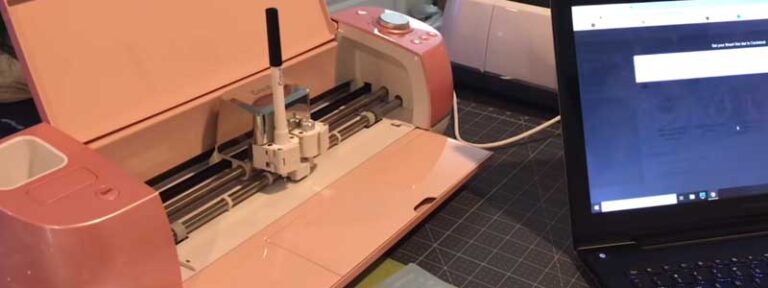
For fabric photography and textile photo editing alongside the design work, the same color-accuracy ground is treated in more depth in the guide to laptops for Adobe Lightroom. For cutting work downstream of the pattern, the Cricut Maker laptop guide is the companion piece.

Thank you for this helpful guide.
Thank you, glad it was helpful!