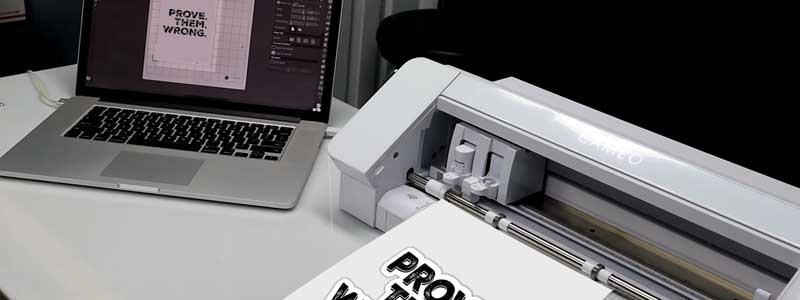
Silhouette America’s own software overview puts the floor at a 2.50GHz Intel Core i3 or AMD Ryzen 3, 8GB of RAM (16GB recommended), 4GB of free disk space, and either Windows 11 or macOS 14 Sonoma. Almost every laptop on sale in 2026 clears that. Two lines further down the same page matter more than any of it: Windows machines built on ARM chips fall outside what the software supports, and on Apple Silicon it runs through Rosetta 2 rather than natively.
The other thing new crafters hit isn’t hardware at all. You buy the machine, install the free Basic Edition, and the SVG file you bought on Etsy won’t open. The hardware side is the easy half; the software-tier trap sitting behind that SVG file is the one that catches people. Both are covered below, alongside seven laptops matched to different kinds of Silhouette work in 2026.
Editor’s Pick
Last update on 2026-09-12 / Affiliate links / Images from Amazon Product Advertising API
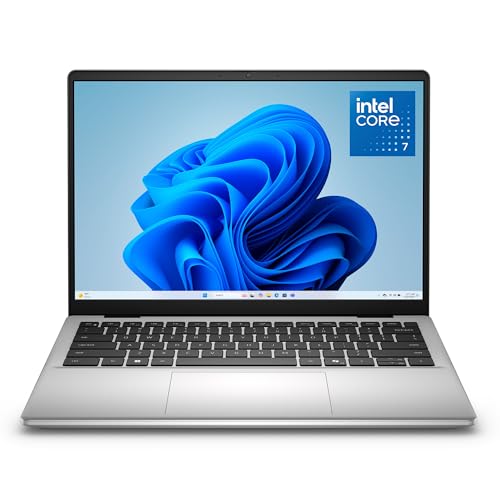
Silhouette Studio’s published floor is a 2.50GHz Core i3 and 8GB of RAM. This Dell doubles the memory, adds a 1TB SSD, and spends nothing on hardware the software will never touch.
- Intel Core 7 150U
- 16GB DDR5
- 1TB SSD
- 14″ WUXGA IPS, anti-glare
What’s Inside
- 1 – Best Laptops for Silhouette Cameo Buyer's Guide
- 2 – Silhouette Cameo Laptop Comparison Table
- 3 – Best Laptops for Silhouette Cameo in 2026: In-Depth Reviews
- 3.1 – 1. Dell 14 Laptop (Best Budget)
- 3.2 – 2. Lenovo Yoga 9i 2-in-1 (Best 2-in-1 / Stylus)
- 3.3 – 3. LG gram 15 (Best Ultraportable / Battery)
- 3.4 – 4. Apple MacBook Air 13-inch (Best for macOS)
- 3.5 – 5. LG gram Pro 17 (Best Large-Screen)
- 3.6 – 6. Gigabyte Aero X16 (Best for Combined Crafting and Design Work)
- 3.7 – 7. MSI Stealth 16 AI+ (Best for Etsy / Small Business)
- 4 – Recommended Accessories
- 5 – Which Silhouette Cameo Laptop Should You Buy?
- 6 – Silhouette Cameo Laptop FAQ
- 7 – Final Thoughts on Silhouette Cameo Laptops
Best Laptops for Silhouette Cameo Buyer’s Guide
The Basic Edition of Silhouette Studio — the free tier that comes with every machine — cannot open or save SVG files. Silhouette America’s import and export documentation puts SVG opening behind Designer Edition or above, and SVG saving behind Business Edition. Buy an Etsy design file expecting the free software to open it and nothing will happen, on any laptop, at any price. It’s a software license to budget for, not a specification to shop for.
Processor
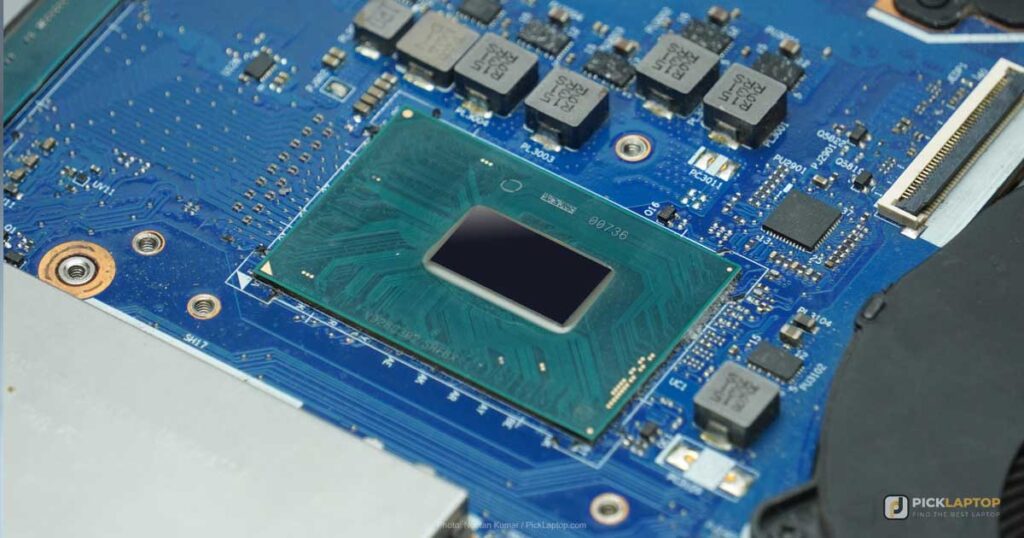
Silhouette America’s software overview names a 2.50GHz Intel Core i3/i5/i7/i9 or AMD Ryzen 3/5/7/9 as the minimum. Any current Core 5, Core Ultra 5 or Ryzen 5 sits above that, and a Core Ultra 7 or Ryzen 7 is worth paying for only if Photoshop, Lightroom or video editing runs alongside the cutting work.
The same page states that ARM-based processors are not supported. That is a live shopping problem in 2026, because Snapdragon X Windows laptops sit next to Intel and AMD machines at similar prices and read almost identically on a retail spec sheet. Check the processor family before you buy — every pick below is Intel, AMD or Apple Silicon for this reason. On the Mac side the listed floor is macOS 14 Sonoma.
Memory (RAM)
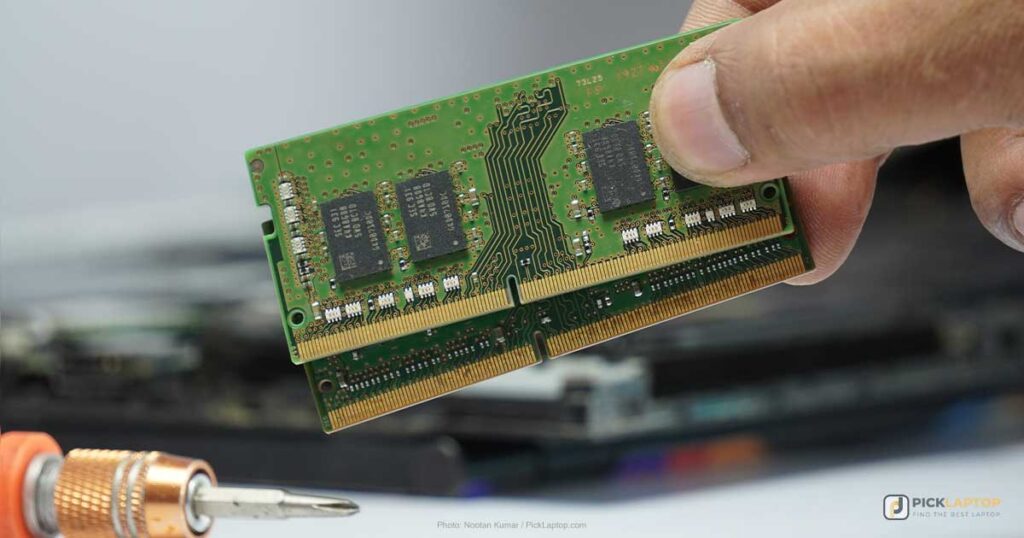
Silhouette America lists 8GB as the minimum and 16GB as its recommendation. Older figures still circulating in craft forums say 4GB, and they predate the current release. 16GB is also what a browser full of Design Store tabs, a folder of reference images and Silhouette Studio open together will use on a 2026 machine, so the vendor’s recommendation and ordinary multitasking point at the same number.
Storage
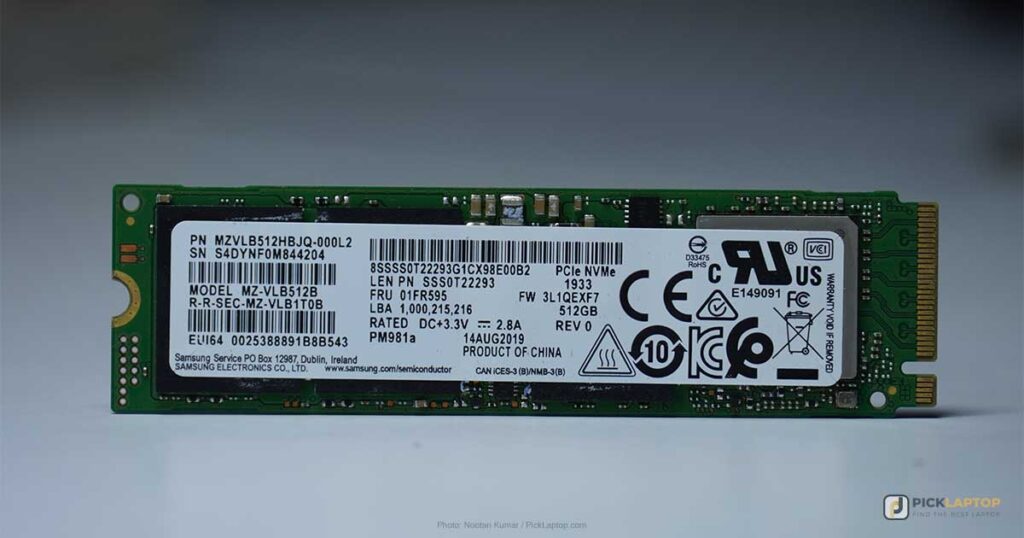
The application itself asks for 4GB of free space, 8GB recommended. What fills a drive is everything around it — purchased design files, fonts, scanned artwork, print-and-cut source images. 512GB is a livable minimum and 1TB removes the question. Buy an SSD rather than a mechanical drive; at this point that is what the machines ship with anyway.
Display
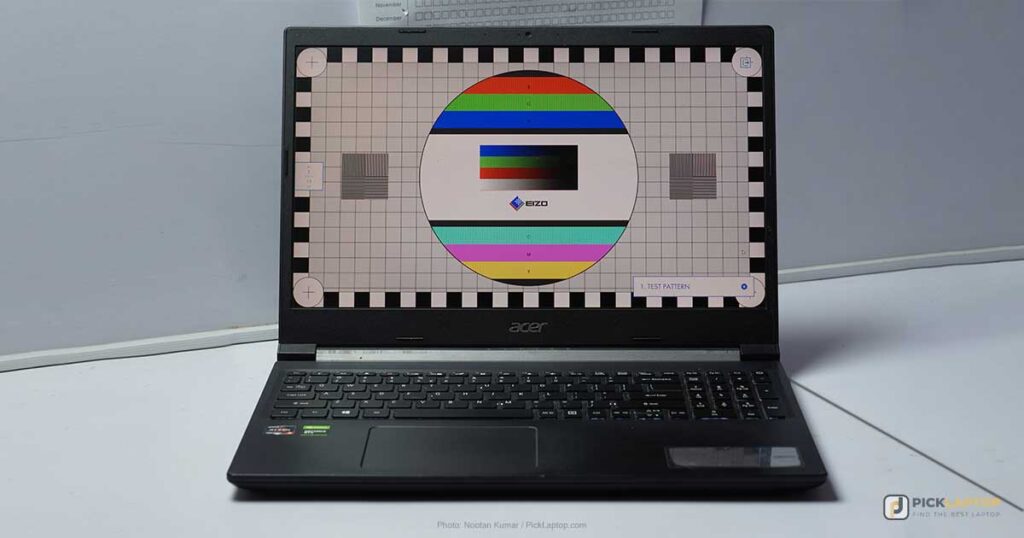
Vector cut lines are shapes, not photographs, so full HD resolution is enough to place them accurately and 4K buys nothing for that job. Screen size does more than pixel count here: a 15- or 17-inch panel shows a whole 12-inch mat layout at once instead of scrolling around it.
Panel type is a weaker signal than the numbers behind it. IPS describes viewing-angle behavior; it says nothing about how bright or how accurate a given screen is. If you do photo-based print-and-cut work — where what you see on screen has to match what comes out of the printer before it gets cut — the specification to check is measured gamut coverage. The spread inside this list is wide: Tom’s Hardware measured the MacBook Air below at 117.3% sRGB and 83.1% DCI-P3 at 458.8 nits, and the Gigabyte Aero X16 — the pick with the discrete GPU — at 78.5% of DCI-P3. A larger, faster machine is not automatically the more color-accurate one.
Connectivity
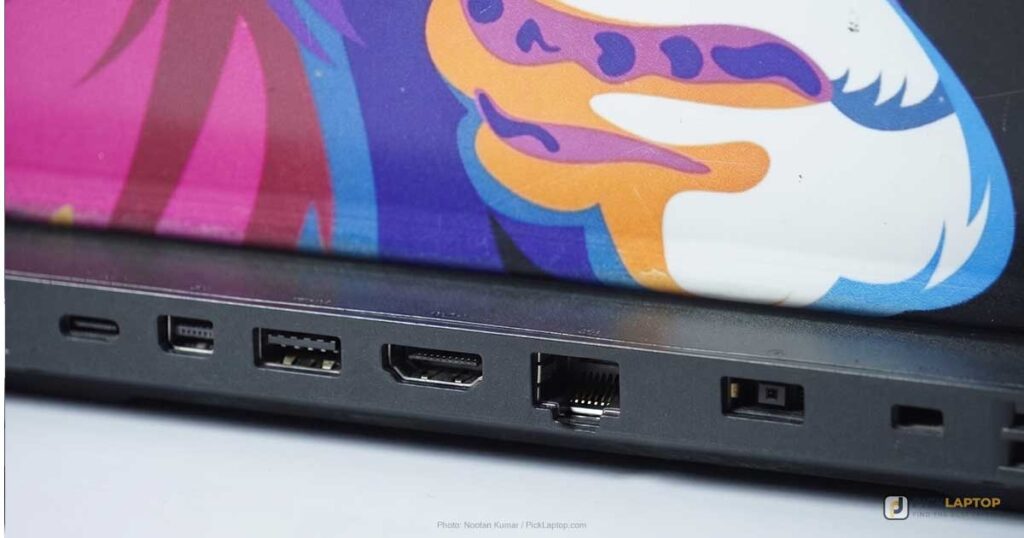
Silhouette America’s requirements list a USB 2.0 port for a wired connection and Bluetooth 4.0 / LMP 6.0 for a wireless one. Both are unremarkable in 2026, but a USB-A port is worth looking for on the spec sheet: several thin machines here ship USB-C only, and the cable in the Cameo box is USB-A. That is a hub or an adapter, not a dealbreaker. If you plan to drive an external monitor for detail work, check for HDMI, DisplayPort or Thunderbolt as well.
Silhouette Cameo Laptop Comparison Table



Last update on 2026-10-25 / Affiliate links / Images from Amazon Product Advertising API
Best Laptops for Silhouette Cameo in 2026: In-Depth Reviews
Seven machines for seven different kinds of Silhouette work — from a budget Dell that clears the requirements outright to a small-business laptop that runs the shop as well as the cutter.
1. Dell 14 Laptop (Best Budget)
Best Budget
Last update on 2026-09-12 / Affiliate links / Images from Amazon Product Advertising API
- ProcessorIntel Core 7 150U
- GPUIntel integrated
- RAM16GB DDR5
- Storage1TB SSD
- Display14″ WUXGA IPS, anti-glare
- OSWindows 11 Home
Silhouette Studio wants a 2.50GHz Core i3 and 8GB of RAM. This Dell brings a Core 7 150U and 16GB, which is the whole argument for buying at the entry tier and stopping there — the money saved is better spent on Designer Edition than on a faster chip the software will never ask for.
The anti-glare finish is the part that pays off day to day, since craft work tends to happen at a kitchen table next to a window rather than in a controlled office. ZippyLaptop’s hands-on review of the DC14250 calls the 54Wh battery average and puts it plainly: not the machine to take away from an outlet for a full day. That review covers the 512GB Japan-market configuration rather than the 1TB one listed here, and it publishes no runtime figure, so treat “average” as the ceiling of what is actually established about battery life on this model.
Integrated graphics and a consumer-grade chassis are what the price buys. Neither limits a cutting workflow, and both would limit heavy photo editing — that is what the last two picks on this list are for.
Pros
- Core 7 and 16GB against a 2.50GHz / 8GB requirement
- 1TB SSD at the entry tier
- Anti-glare panel for working near a window
Cons
- 54Wh battery rated average in ZippyLaptop’s hands-on review, with no published runtime
- Integrated graphics only
- Consumer-grade chassis, no durability testing published
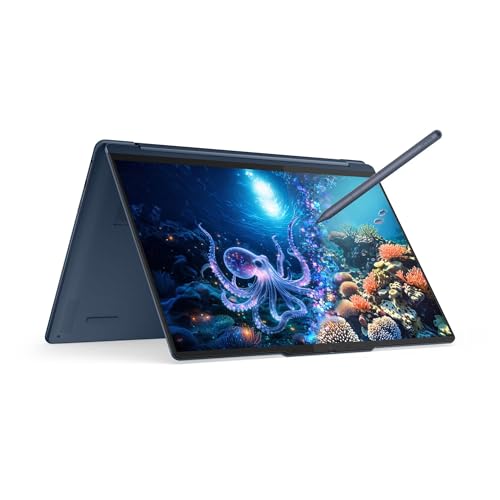
2. Lenovo Yoga 9i 2-in-1 (Best 2-in-1 / Stylus)
Best 2-in-1
Last update on 2026-10-25 / Affiliate links / Images from Amazon Product Advertising API
- ProcessorIntel Core Ultra 7 258V
- GPUIntel Arc (integrated)
- RAM32GB LPDDR5X
- Storage1TB NVMe SSD
- Display14″ 4K OLED touch
- OSWindows 11 Pro
Sketch a design by hand before digitizing it, or trace over a photograph you intend to cut around, and a convertible stops being a novelty. Folding the screen flat and drawing directly on it with the bundled pen is a different working posture from drawing with a trackpad, and it is the one thing on this list that a cheaper laptop cannot substitute for.
The hinge houses what Lenovo calls a rotating soundbar, and PCWorld’s review of this Aura Edition found it sounds clear and detailed across music, while noting it has nothing like the bass of headphones or external speakers. For following tutorial videos with the lid folded back, that is the right trade. Two Thunderbolt 4 ports handle an external display when the work moves to a desk.
The 32GB of memory is far past anything Silhouette Studio asks for, and on a soldered-memory convertible you pay for it up front whether you use it or not. Buy this for the pen and the hinge; the specification sheet is not the reason.
Pros
- Pen and fold-flat design suit sketching and tracing
- Hinge soundbar rated clear and detailed by PCWorld
- 4K OLED touchscreen and two Thunderbolt 4 ports
Cons
- Premium tier for hardware the software doesn’t need
- Little bass from the hinge speakers, per PCWorld
- Touchscreen and hinge assembly add weight over a clamshell
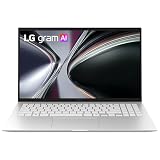
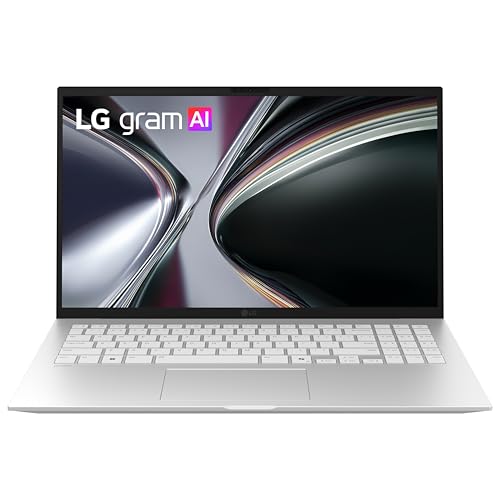
3. LG gram 15 (Best Ultraportable / Battery)
Best Ultraportable
Last update on 2026-10-25 / Affiliate links / Images from Amazon Product Advertising API
- ProcessorAMD Ryzen AI 7 450
- GPUAMD Radeon (integrated)
- RAM16GB (32GB configurations available)
- Storage512GB SSD
- Display15.6″ FHD IPS touch, anti-glare
- Battery28 hours (LG rating)
Craft fairs, classes and other people’s kitchen tables are where this one makes sense. A 15.6-inch screen at under three pounds is unusual — most 15-inch laptops weigh half again as much — and the extra diagonal shows more of a 12-inch mat layout than the 13- and 14-inch machines above it.
An honest caveat comes with it: no independent laboratory has published measured results for this AMD configuration. The 28-hour battery figure, the weight and the MIL-STD-810H durability testing are all LG’s own claims, not third-party measurements, and the 2018-era gram reviews that still surface in search results describe Intel machines two chassis generations back. If independent battery numbers are what you want before spending, the MacBook Air and the MSI below are the two picks here with published third-party runtimes.
Nothing about the requirements list makes that a risk for cutting work specifically — a Ryzen AI 7 clears a 2.50GHz Ryzen 3 minimum with room to spare, and 16GB matches the vendor recommendation. The uncertainty sits entirely on the battery and build claims — and portability is the reason to buy this machine in the first place.
Pros
- Full-size screen without a full-size carrying weight
- Touchscreen and anti-glare finish
- Specification comfortably above Silhouette America’s stated minimum
Cons
- No independent test data published for this configuration
- Battery, weight and durability figures are manufacturer claims
- No dedicated GPU for photo work alongside cutting
4. Apple MacBook Air 13-inch (Best for macOS)
Best macOS Pick

Last update on 2026-10-25 / Affiliate links / Images from Amazon Product Advertising API
- ProcessorApple M5
- GPUIntegrated
- RAM16GB unified
- Storage512GB SSD
- Display13.6″ Liquid Retina
Silhouette America supports macOS 14 Sonoma and later, and states on the same page that the software runs under Rosetta 2 on Apple Silicon — it is translated, not an ARM-native build. “Not supported on ARM” applies to Windows on ARM, not to the Mac — a distinction easy to miss on a quick read of the requirements page. Rosetta 2 handles a 2D vector application without drama; the M5 is several orders past a 2.50GHz Core i3.
Tom’s Hardware measured 15 hours 28 minutes on their battery rundown and 458.8 nits with 117.3% sRGB coverage. Apple rates the machine at up to 18 hours; the measured figure is the one to plan around, and it is the longest independently measured runtime among the picks here. That gamut number is the reason to consider this one for print-and-cut work where screen color has to predict printed color.
The same review recorded the fanless M5 dropping from 3,415 to the low 2,300s across a Cinebench 2026 stress loop. That is a sustained all-core load, which designing and cutting vinyl is not — but if a long Lightroom export is part of the same session, that decline is what a fanless chassis costs. The port count is the other constraint: two Thunderbolt ports and a MagSafe connector means a USB-A Cameo cable needs an adapter.
Pros
- 15h28m measured by Tom’s Hardware — the longest independently verified runtime here
- 458.8 nits and 117.3% sRGB, measured, for print-and-cut color
- Fanless and silent
Cons
- Sustained all-core load falls off measurably on the fanless design
- Runs under Rosetta 2 rather than as a native build
- No USB-A port for the supplied Cameo cable
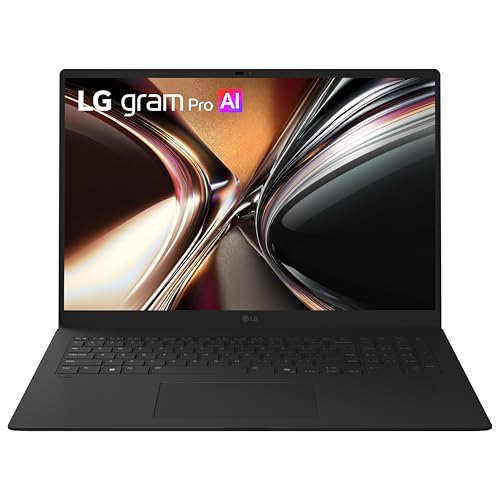
5. LG gram Pro 17 (Best Large-Screen)
Best Large-Screen
Last update on 2026-10-25 / Affiliate links / Images from Amazon Product Advertising API
- ProcessorIntel Core Ultra 7 355
- GPUIntel integrated
- RAM32GB LPDDR5X
- Storage1TB NVMe SSD
- Display17″ WQXGA touch
- Battery26.5 hours (LG rating)
Seventeen inches is the practical answer to intricate layouts. A full 12-inch cutting mat, a tool panel and a reference image fit on screen together at 2560 x 1600 without constant zooming, and at a listed 3.3 lb this is the only 17-inch machine on the list, light enough to move between rooms without planning it.
TechGoondu reviewed the 16-inch 2026 gram Pro — the same chassis family and speaker layout, with a different processor — and described the down-firing speakers as putting out decent sound with clarity, while noting the result depends on what surface the laptop is sitting on. That is the closest published test to this configuration; no independent review of the 17-inch Core Ultra 7 355 model has appeared, and the 26.5-hour battery figure is LG’s rating rather than a measured one.
The 32GB of memory does nothing for Silhouette Studio, which asks for 8GB; it only matters if Photoshop or Lightroom runs in the same session. Two Thunderbolt 4 ports cover an external display for detail work, and a 17-inch laptop remains a 17-inch laptop in a bag regardless of the weight figure.
Pros
- 17-inch 2560 x 1600 panel shows a full mat layout with room around it
- 3.3 lb listed weight, unusual for the screen size
- Two Thunderbolt 4 ports for a desk setup
Cons
- No independent test of the 17-inch configuration; battery figure is LG’s rating
- 32GB is more memory than the software has any use for
- Footprint of a 17-inch machine in a bag
6. Gigabyte Aero X16 (Best for Combined Crafting and Design Work)
Best for Combined Crafting/Design

Last update on 2026-10-15 / Affiliate links / Images from Amazon Product Advertising API
- ProcessorAMD Ryzen AI 9 HX 370
- GPUNVIDIA RTX 5070 (8GB)
- RAM32GB DDR5
- Storage1TB SSD
- Display16″ WQXGA IPS, 165Hz
- OSWindows 11 Home (Copilot+ PC)
Artwork that starts in Photoshop or Lightroom and only ends at the cutter is what this configuration is built around. The RTX 5070 does nothing inside Silhouette Studio, which will not touch a discrete GPU — its job is GPU-accelerated filters, upscaling and batch exports in the editing stage that comes first.
The display is the surprise, because the obvious assumption about a machine marketed to creators does not hold. Tom’s Hardware measured 78.5% DCI-P3 coverage and concluded the incomplete DCI-P3 coverage counts against it given the creative positioning. On the measurements published for both, the MacBook Air’s 83.1% DCI-P3 and 117.3% sRGB is the better panel of the two — from the cheaper and slower machine. Buy the Aero for the GPU, and calibrate or work to a second monitor for color-critical jobs.
The same review found the audio muddy, with poor instrument separation, distant vocals and minimal bass — plan on headphones for tutorials. Note also that Tom’s Hardware tested a Ryzen AI 7 350 build alongside the same RTX 5070; the display and speaker findings are chassis-level, but the CPU results in that review do not describe the Ryzen AI 9 HX 370 configuration listed here.
Pros
- RTX 5070 for the photo-editing stage that precedes cutting
- 32GB and 1TB as standard
- 16-inch 2560 x 1600 panel at 165Hz
Cons
- 78.5% DCI-P3 measured by Tom’s Hardware — short of a creator-grade panel
- Muddy audio with minimal bass in the same review
- Far more machine than cutting work alone justifies
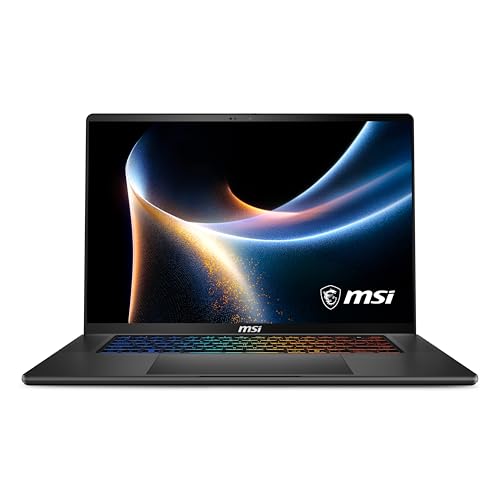
7. MSI Stealth 16 AI+ (Best for Etsy / Small Business)
Best for Small Business
Last update on 2026-10-25 / Affiliate links / Images from Amazon Product Advertising API
- ProcessorIntel Core Ultra 9 386H
- GPUNVIDIA RTX 5070
- RAM32GB DDR5-7200
- Storage1TB NVMe SSD
- Display16″ QHD+ OLED, 240Hz
- OSWindows 11 Home
A Cameo running as a hobby and a Cameo running as an Etsy shop are different computing problems. The shop version means product photography, listing images, order spreadsheets, a browser full of tabs and batch design work, all open at once — and that, not Silhouette Studio, is what 32GB and a Core Ultra 9 are for.
TechRadar recorded 14 hours 15 minutes on their looping movie test, which is a long result for a chassis with a discrete GPU inside it and means a full craft-fair day without a charger. Their review unit carried the RTX 5070 Ti rather than the RTX 5070 listed here, so read the battery result as the closest available measurement rather than a figure for this exact build.
If Silhouette Studio is the only demanding thing you run, this is the wrong end of the list and the Dell at the top does the same cutting job. The case for it is the rest of the workload.
Pros
- 14h15m on TechRadar’s movie loop, with a discrete GPU on board
- 32GB DDR5-7200 for a full shop workflow, not just the cutter
- 16-inch QHD+ OLED for product photography
Cons
- TechRadar’s battery figure came from an RTX 5070 Ti unit, not this configuration
- Top of the price range, and wasted on cutting work alone
- Heavier than the ultraportables above
Recommended Accessories


Last update on 2026-10-25 / Affiliate links / Images from Amazon Product Advertising API
Which Silhouette Cameo Laptop Should You Buy?
| Best For | Pick |
|---|---|
| Budget | Dell 14 Laptop |
| 2-in-1 / Stylus | Lenovo Yoga 9i 2-in-1 |
| Ultraportable / Battery | LG gram 15 |
| macOS | Apple MacBook Air 13-inch |
| Large Screen | LG gram Pro 17 |
| Combined Crafting/Design | Gigabyte Aero X16 |
| Etsy / Small Business | MSI Stealth 16 AI+ |
Silhouette Cameo Laptop FAQ
Can I use my Silhouette with a Chromebook?
No. Silhouette America lists Windows 11 and macOS 14 Sonoma or later as the supported platforms; ChromeOS is not among them, and there is no ChromeOS build of Silhouette Studio to install.
Will Silhouette Studio run on a Snapdragon or ARM Windows laptop?
No — Snapdragon X machines fall outside what Silhouette America lists as supported. Retail listings rarely make this obvious, so check the processor line on the product page for Intel or AMD before ordering. Apple Silicon is the separate case: those Macs are supported, with the software translated by Rosetta 2 rather than built for the chip.
Is Silhouette Cameo compatible with Mac?
Yes. Cameo, Portrait and Curio are all driven by the same Silhouette Studio software on either platform, so the machine you own does not narrow the laptop choice — the file types you plan to work with do.
Can Silhouette Studio work on my phone?
A companion app, Silhouette Go, is available for Android and iOS. It is built for cutting existing designs on the go rather than creating them; the desktop application holds the full design and editing toolset.
Why can’t I open the SVG file I bought for my Silhouette machine?
Opening SVG requires Designer Edition or above. Silhouette America’s export documentation adds a further limit: even on Business Edition, Design Store content exported to SVG comes out as dotted line segments, and designs drawn with red cut lines and no fill can disappear from the saved file entirely.
What is the maximum cutting size of a Silhouette cutting machine?
It depends on the model — the Cameo cuts materials up to 12 inches wide and 10 feet long, while the Portrait handles up to 8 inches wide and 10 feet long.
What materials can I cut with a Silhouette cutting machine?
Paper, cardstock, vinyl, heat transfer material and fabric across the range, with thicker stock such as leather and foam depending on the specific model and blade.
Can I use a Silhouette machine to make stickers?
Yes. Silhouette sells sticker paper in transparent, glossy and matte finishes, and this is the workflow where screen-to-print color accuracy matters most — it is a print-and-cut job, not a plain cut.
Can I cut multiple layers of material at once?
Yes, within limits set by material thickness and type. It speeds up repeat runs of the same design and layered projects, and thick or dense stock is where it stops working reliably.
Final Thoughts on Silhouette Cameo Laptops
The hardware decision is close to settled before it starts. Every machine here clears the published requirements, and the cheapest one clears them with room left over. Check the processor family carefully — Windows on ARM is not supported — and confirm which Silhouette Studio edition the files you buy actually need. Two related guides cover the neighboring ground: our Cricut Maker laptop guide for other cutting machines, and our clothing design laptop guide for garment work.

Thank you author for this helpful information, I was a bit confused to choose a laptop for my cutting work. I thankful for myself that I haven’t choose a laptop without reading this guide, I was about to choose a fancy Acer Chromebook as per someone’s suggestion. As I got to know the silhouette isn’t compatible with the Chromebook.
Thanks again.
Hi, Bob Thank you very much, for your kind words!
Undoubtedly, the LG gram has the longest battery life, one of my friends own it. If you use it only 2-3 hours a day with casual work, it can last up to a whole week. I am also thinking about the latest 17-inch model.
Thanks for sharing your friend’s experience, Mark — that tracks with what LG advertises for light, casual use. Battery life on the gram line does drop noticeably once you’re running anything more demanding, so it’s worth factoring in depending on your actual workload.